
 Need help?
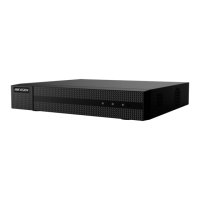
Do you have a question about the HIKVISION HWN Series and is the answer not in the manual?
 General
| Brand | HIKVISION |
|---|---|
| Model | HWN Series |
| Category | Network Hardware |
| Language | English |
Guides through the initial activation process, including setting an admin password.
Explains how to log in using patterns or passwords and set up unlock patterns.
Covers basic system settings, user management, and network parameters like IP and Hik-Connect.
Covers advanced system settings, live view layouts, and channel-zero encoding.
Covers managing network cameras, including adding, editing, and upgrading.



 To Next Page