12
©2017 Hill-Rom Services, Inc. ALL RIGHTS RESERVED.
205278 rev 2 13-SEP-2017 ENG – US
Introduction: Point-of-Care® Caregiver Controls
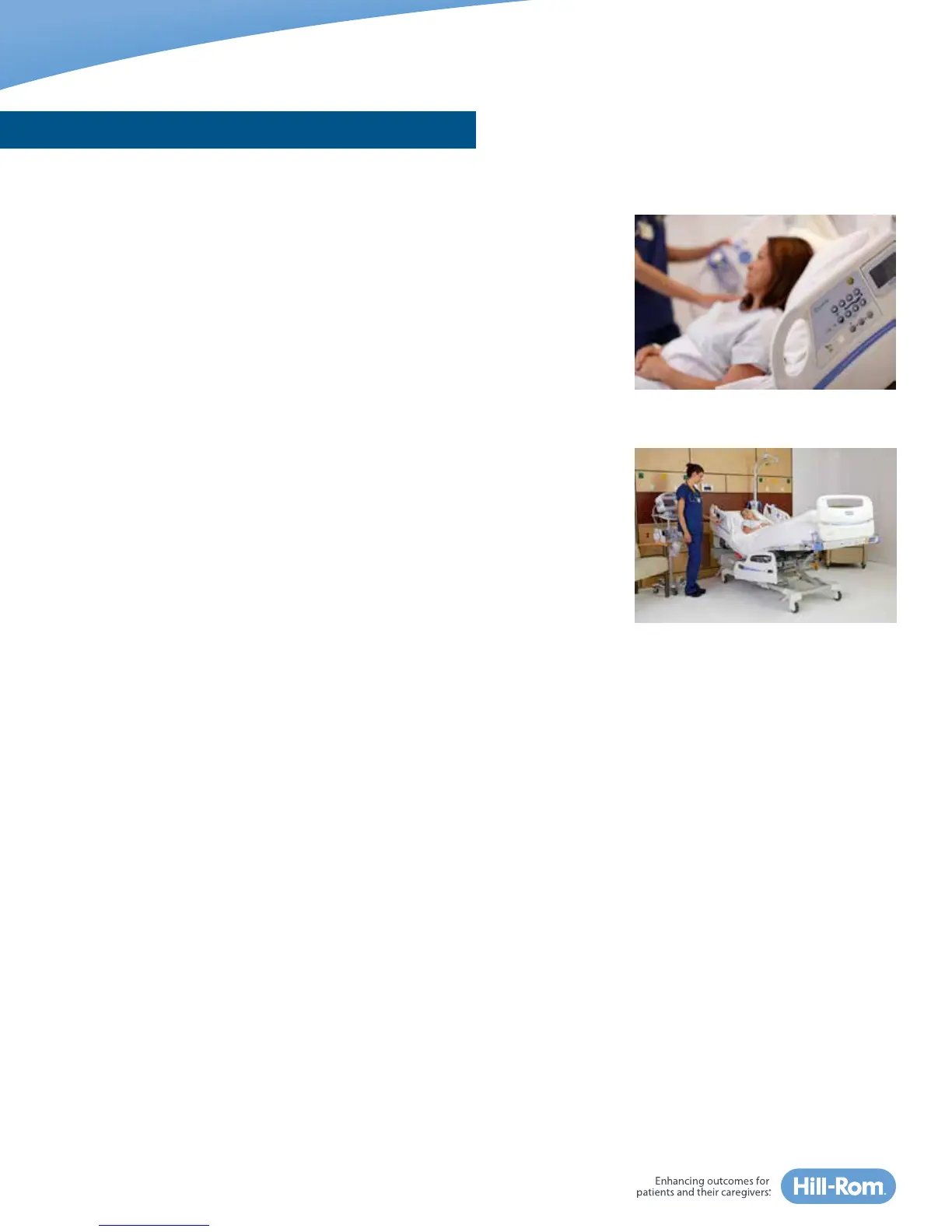
The Centrella™ Smart+ bed caregiver control panels are located on both sides
of the head siderails. These controls operate the various bed frame positions.
Bed frame position changes such as head up/down and bed up/down can be
performed simultaneously to help save time.
Foot Up/Down, Lower Leg/Foot Elevation
The Foot Up/Down control allows you to raise or lower the feet and lower
legs.
To elevate the lower legs and feet: press and hold the Foot Up control to
the desired position. The knees will raise first to support the leg, then the
foot-end of the bed will elevate to make the patient’s lower extremities
parallel to the floor. If more elevation is required, slightly elevate the bed
height and then press the Reverse Trendelenburg control to tilt the patient
back.
To lower legs and feet for a chair-like position: press and hold the Knee Up
control until you hear a single beep. Then press and hold the Foot Down to
the desired position.
When lowering the foot-end of the bed, make sure drainage bags do not
teach touch the floor.
To level the legs and foot, press and hold Knee Down until the bed stops
and you hear a single beep. The knees and feet will be level.
POINT-OF-CARE® CAREGIVER CONTROLS















 To Next Page