Troubleshooting
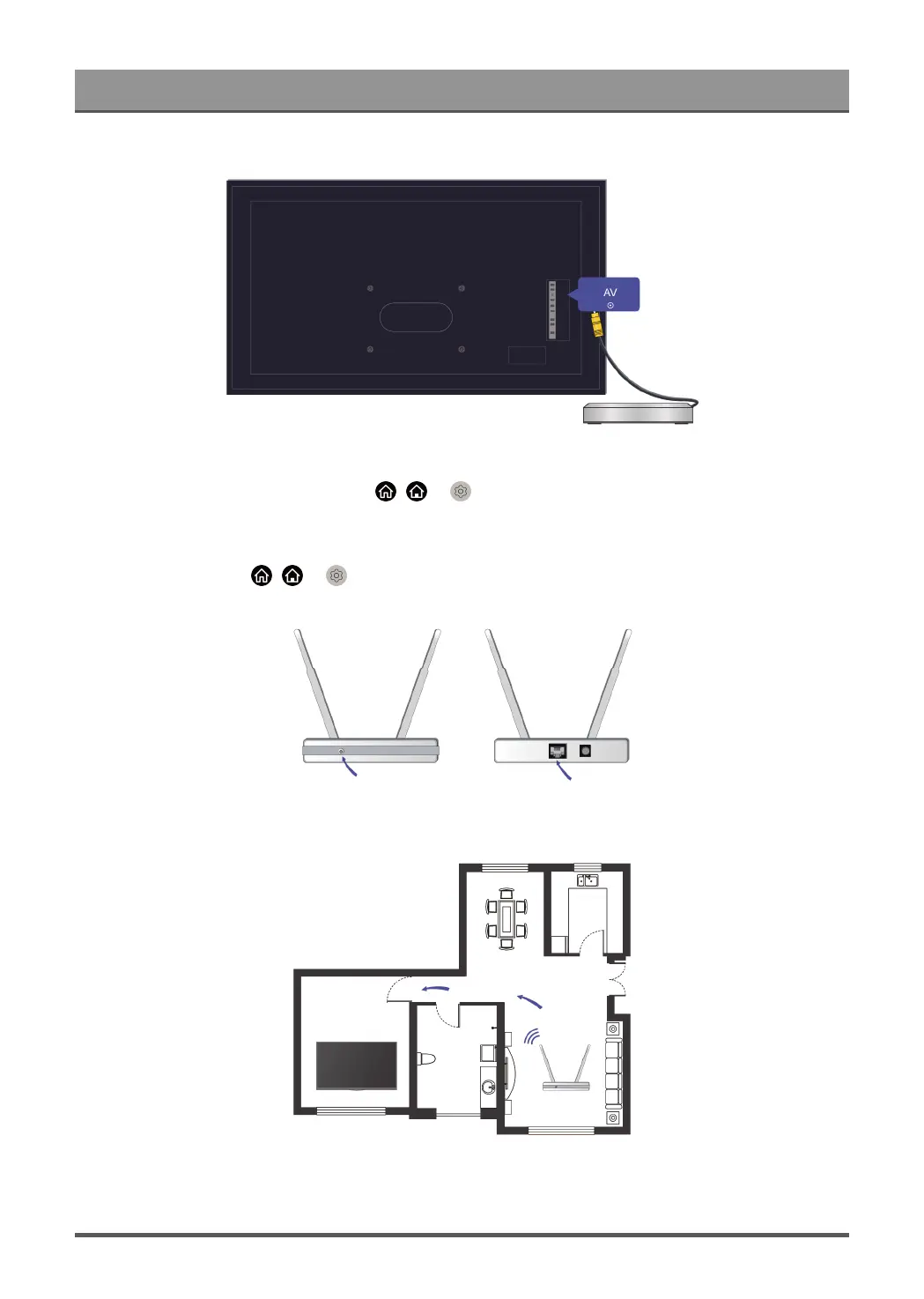
Make sure that the audio cable is connected to the correct audio output connector on the external device.
Check whether TV Speaker is selected at / > Settings > Sound > Audio Output.
My TV cannot connect to the network.
Check network status at / > Settings > Support > Self Diagnosis > Network Connection Status.
Make sure your modem/wireless router is on and connected to the Internet.
Position your wireless router, modem router, or access point in a central location. Avoid putting it in a corner.
69



 To Next Page