SECURITY
Version 1.0, 02/2015. Copyright 2012 Hitron Technologies
104
Version 1.0, 02/2015. Copyright 2014 Hitron Technologies
104
Hitron CGNVM User’s Guide
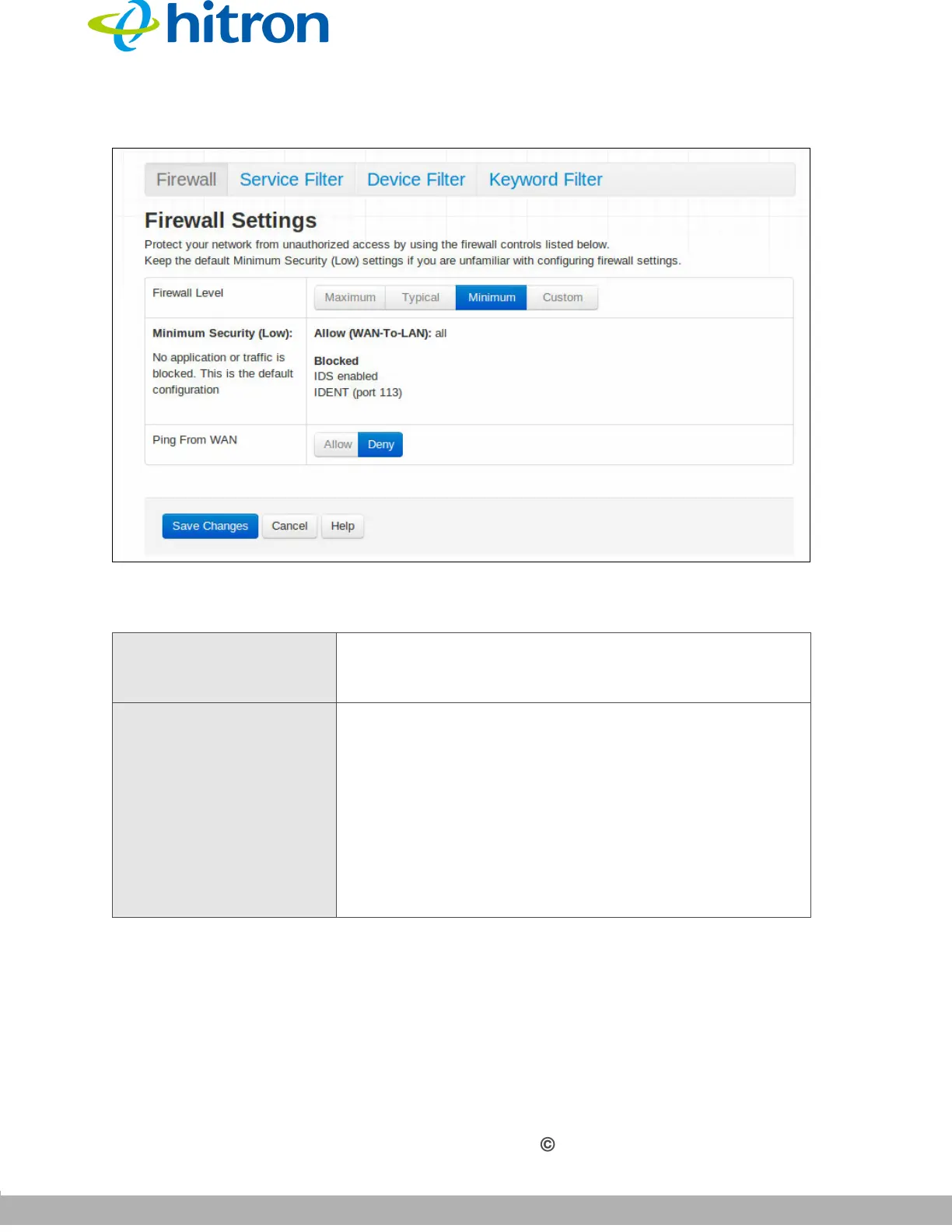
Figure 43: The Security: Firewall Screen
The following table describes the labels in this screen.
Table 34: The Security: Firewall Screen
Firewall Level Select the level of firewall protection that you want to
apply to your LAN. Details about the protection level
display beneath the buttons.
(Security Level) These fields describe the specific protocols and
applications that are permitted or denied by the firewall
security level you select.
When you select Custom in the Firewall Level field,
additional fields display that allow you to toggle specific
features on or off:
Entire Firewall: select ON to enable firewall
security protection, or select OFF to disable it (not
recommended).



 To Next Page