ADMIN
Version 1.0, 02/2015. Copyright 2012 Hitron Technologies
98
Version 1.0, 02/2015. Copyright 2014 Hitron Technologies
98
Hitron CGNVM User’s Guide
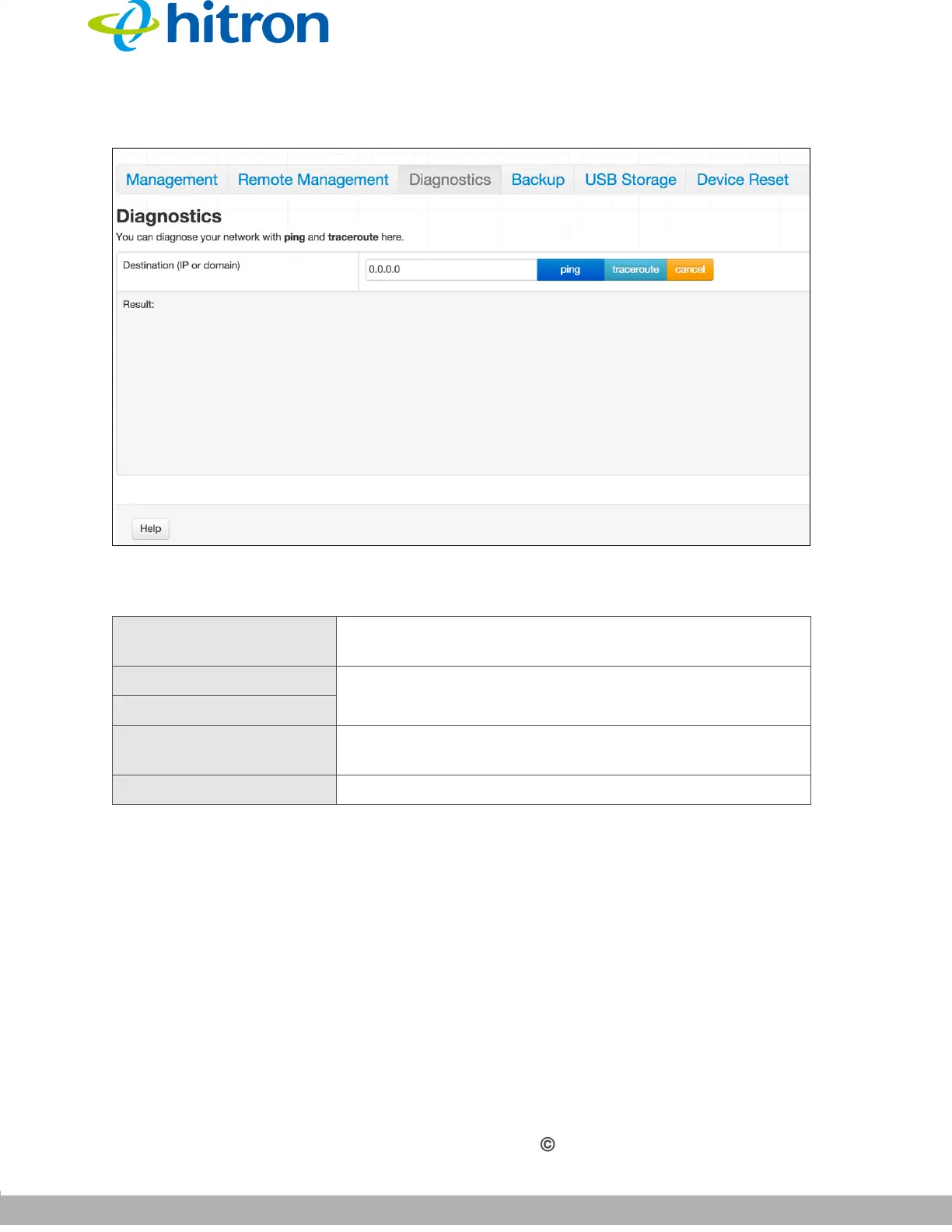
Figure 39: The Admin: Diagnostics Screen
The following table describes the labels in this screen.
5.5 The Admin: Backup Screen
Use this screen to back up your CGNVM’s settings to your computer or load settings
from a backup you created earlier.
Click Admin > Backup. The following screen displays.
Table 30: The Admin: Diagnostics Screen
Destination (IP or
Domain)
Enter the IP address or URL that you want to test.
Ping Select the type of test that you want to run on the
Destination that you specified.
Traceroute
Result This field displays a report of the test most recently
performed.
Cancel Click this to terminate a test in progress.



 To Next Page