ADMIN
Version 1.0, 02/2015. Copyright 2012 Hitron Technologies
99
Version 1.0, 02/2015. Copyright 2014 Hitron Technologies
99
Hitron CGNVM User’s Guide
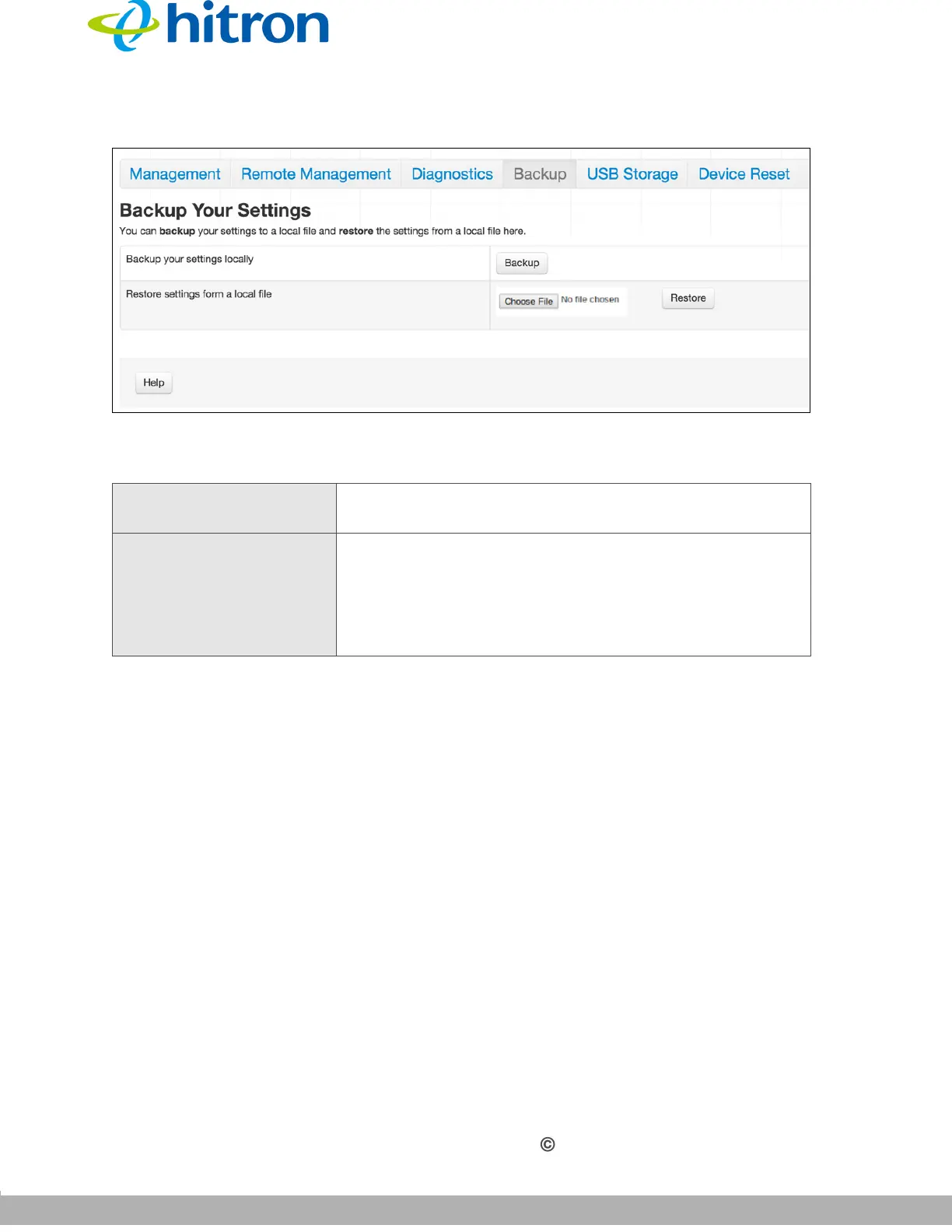
Figure 40: The Admin: Backup Screen
The following table describes the labels in this screen.
5.6 The USB Storage Screen
Use this screen to configure your CGNVM’s USB settings.
Click Admin >USB Storage. The following screen displays.
Table 31: The Admin: Backup Screen
Back Up Your Settings
Locally
Click this to create a backup of all your CGNVM’s
settings on your computer.
Restore Settings From a
Local File
Use these fields to return your CGNVM’s settings to
those specified in a backup that you created earlier.
Click Choose File to select a backup, then click
Restore to return your CGNVM’s settings to those
specified in the backup.



 To Next Page