SECURITY
Version 1.0, 02/2015. Copyright 2012 Hitron Technologies
113
Version 1.0, 02/2015. Copyright 2014 Hitron Technologies
113
Hitron CGNVM User’s Guide
6.4.1 Adding or Editing a Managed Device
To add a new managed LAN device, click Add Managed Device in the Security
> Device Filter screen.
To edit an existing managed LAN device, locate the device in the Security >
Device Filter screen and click its Manage button.
To add a new managed wireless network device, click Add Managed Device in
the Wireless > Access Control screen.
To edit an existing managed wireless network device, locate the device in the
Wireless > Access Control screen and click its Manage button.
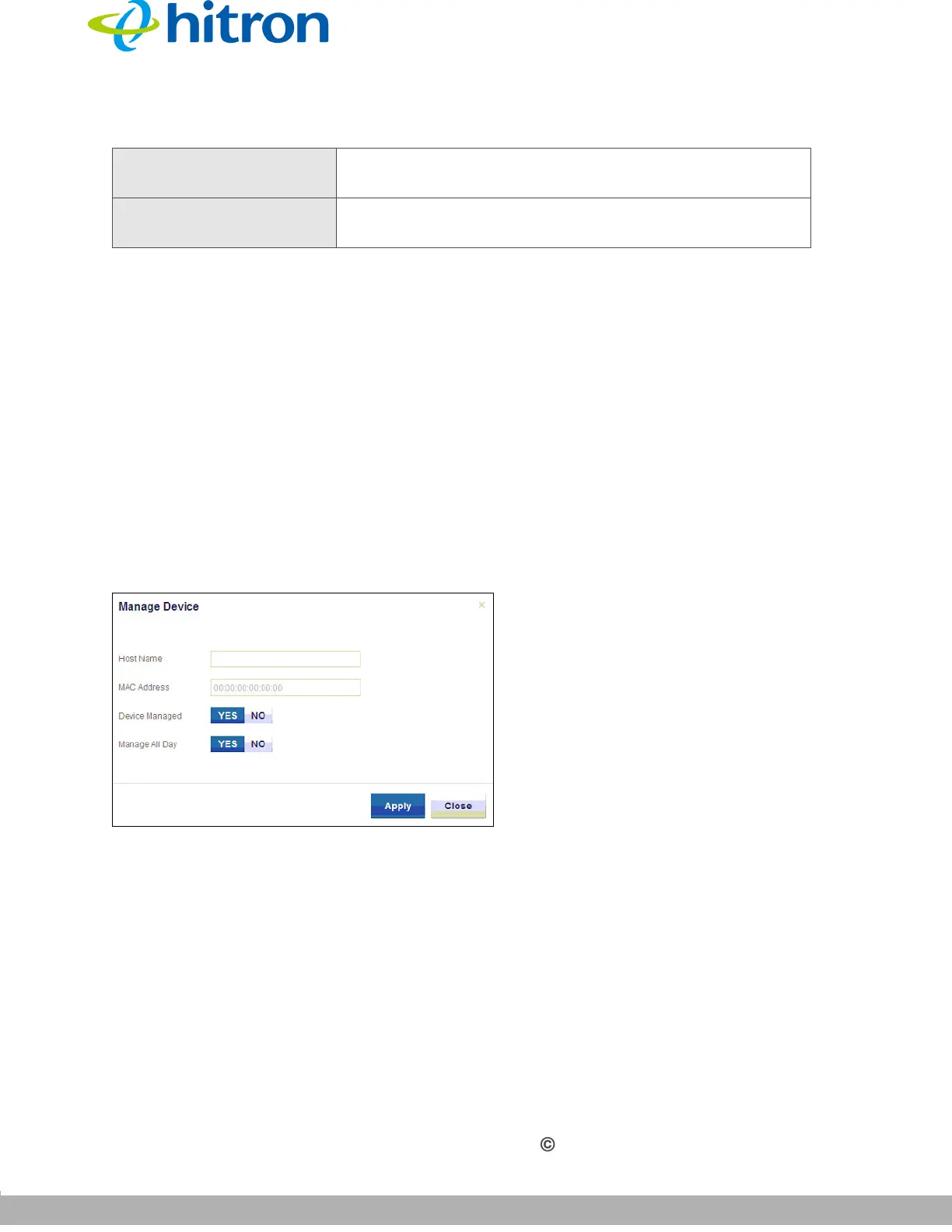
The following screen displays.
Figure 49: The Security: Device Filter Add/Edit Screen
Add Managed Device Click this to add a new managed device rule (see
Adding or Editing a Managed Device on page 113).
Help Click this to see information about the fields in this
screen.
Table 38: The Security: Device Filter Screen (continued)



 To Next Page