BASIC
Version 1.0, 02/2015. Copyright 2012 Hitron Technologies
57
Version 1.0, 02/2015. Copyright 2014 Hitron Technologies
57
Hitron CGNVM User’s Guide
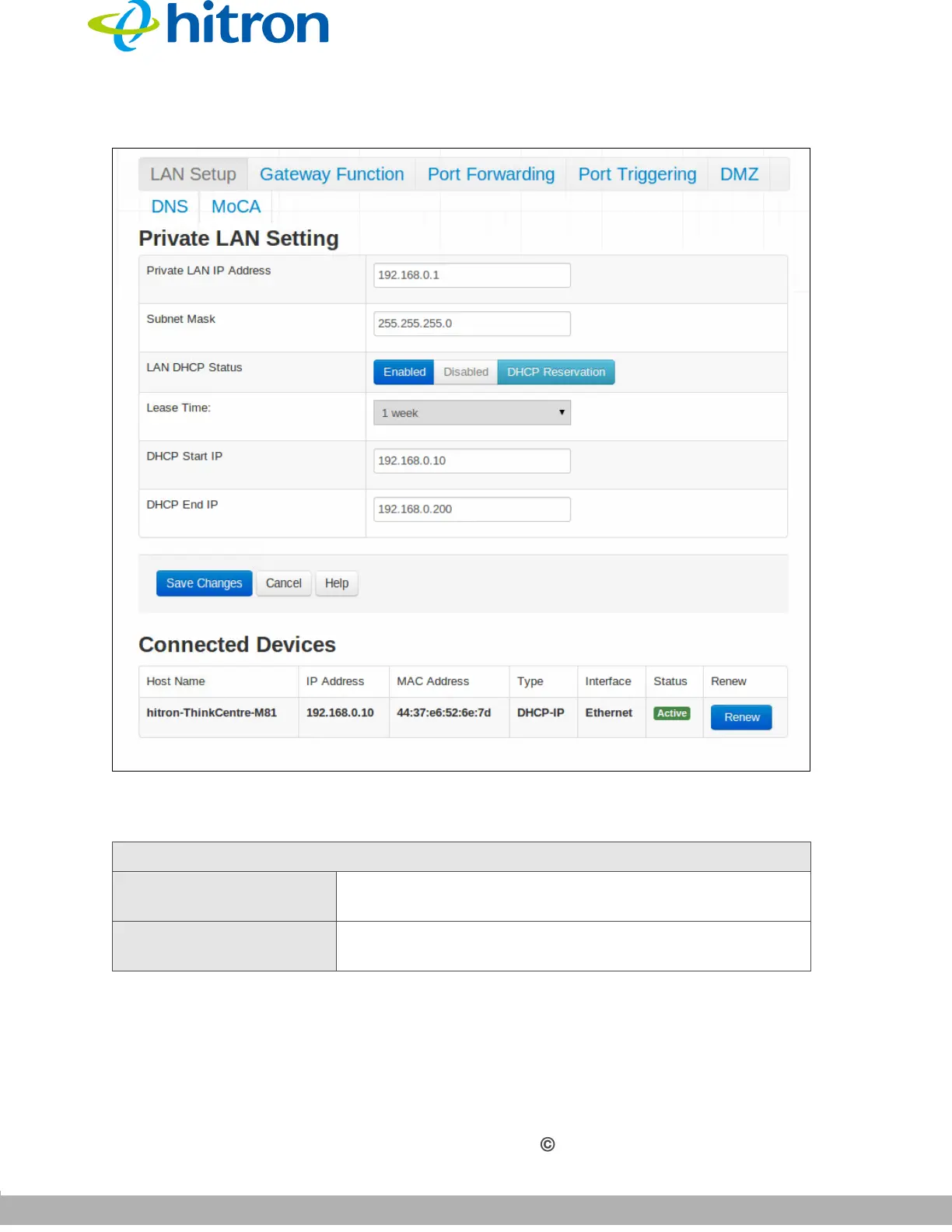
Figure 19: The Basic: LAN Setup Screen
The following table describes the labels in this screen.
Table 14: The Basic: LAN Setup Screen
Private LAN Setting
Private LAN IP
Address
Use this field to define the IP address of the CGNVM on
the LAN.
Subnet Mask Use this field to define the LAN subnet. Use dotted
decimal notation (for example, 255.255.255.0).



 To Next Page