48 Chapter 4: Commissioning
4.
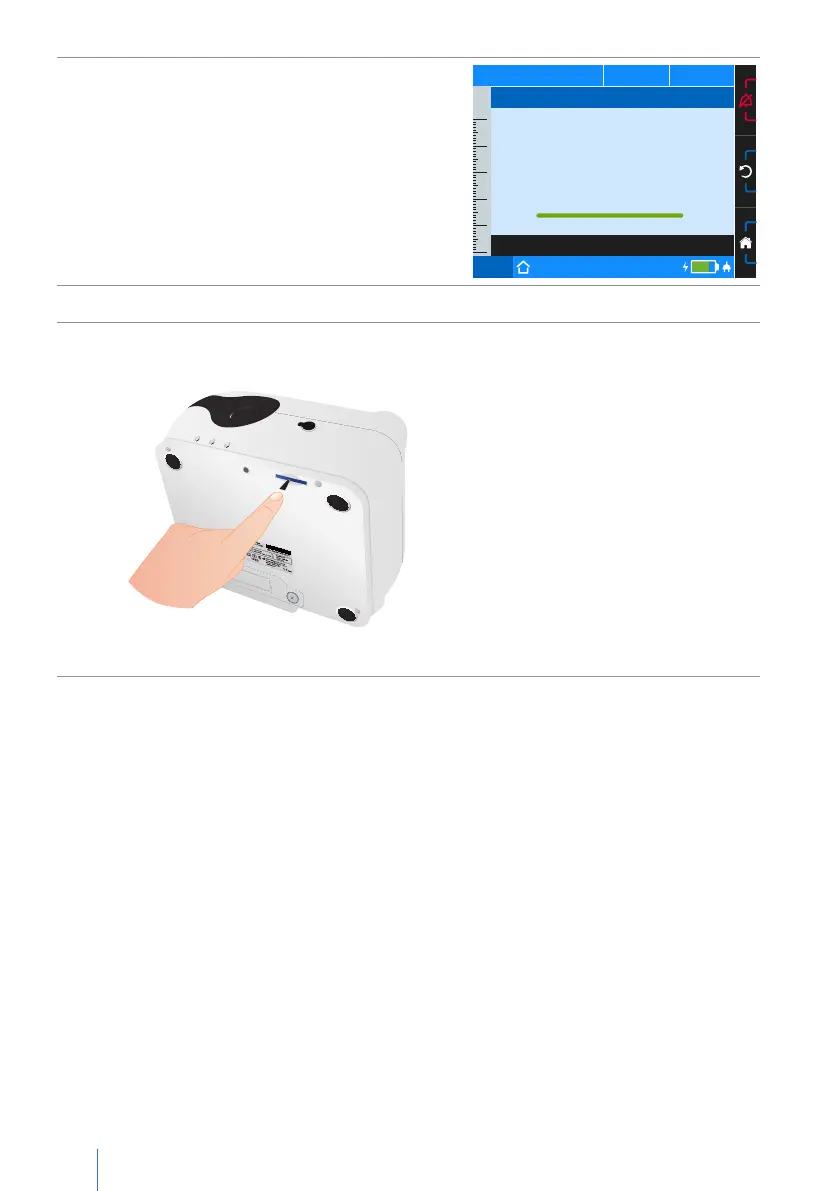
Once successfully copied, the message “Fin-
ished...ok” will appear.
Press the MFK to close the notice window.
PCV
75%
50
40
30
20
10
0
p
hPa f
bpm V
I
lI:E
Press the MFK to Continue
Copy Data
Finished...ok
5. Press the MFK.
6.
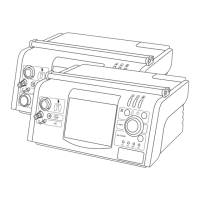
To remove the SD card, carefully press the SD card into the SD card slot. Then,
remove the SD card.
Figure 16: Removing SD card


 To Next Page