Chapter 4: Commissioning 37
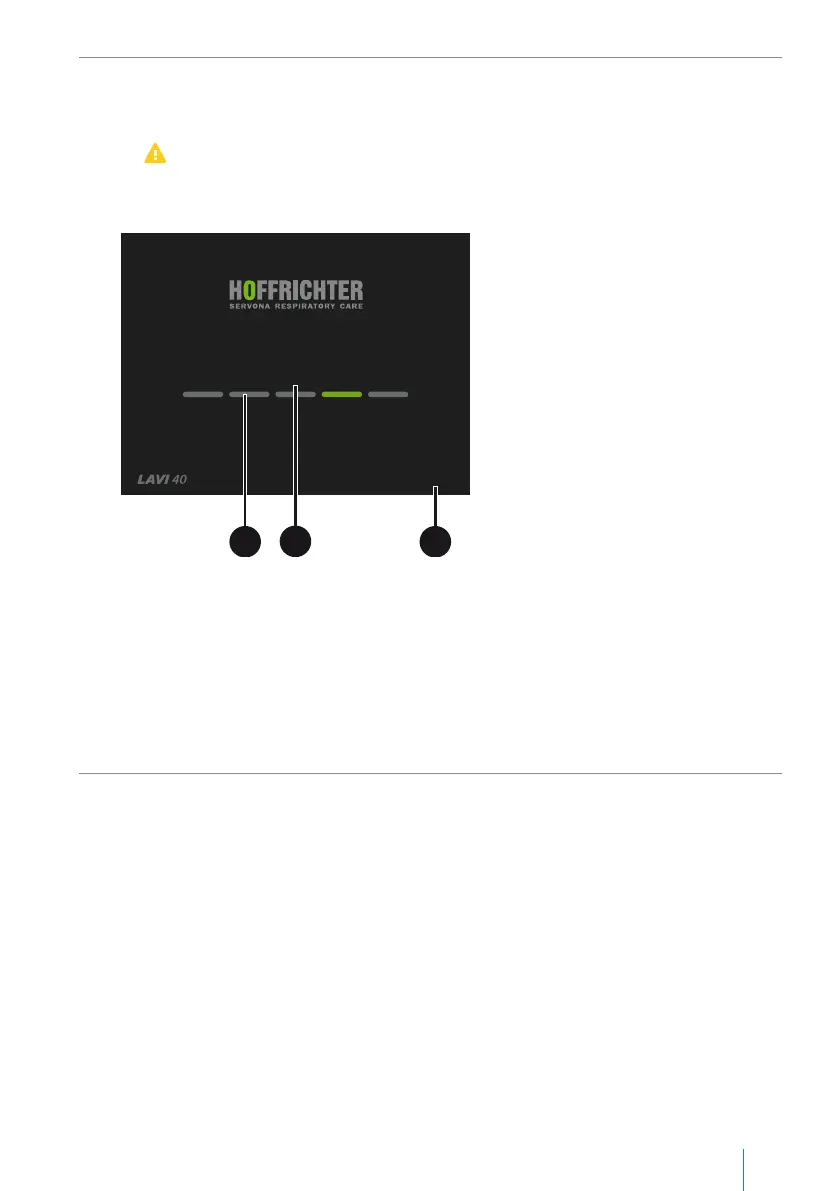
The booting progress is displayed by a progress bar (A). The status (B) is also
displayed:
• Booting...
→
Device is booting
•
Error message
→
Error detected, press MFK to continue. All error messages
are listed on page86. The device cannot be started if certain errors are in
effect. In this case, contact your service provider.
SW-Version x.xxx
Booting...
C
B
A
A Progress bar B Status C Software version
Figure 10: Start screen
If no errors were detected during the self-test or the errors have been confirmed,
the display will switch to the home screen.
It takes up to 1 minute to boot the device, after which the device will be ready
for operation.


 To Next Page