Chapter 5: Device operation 57
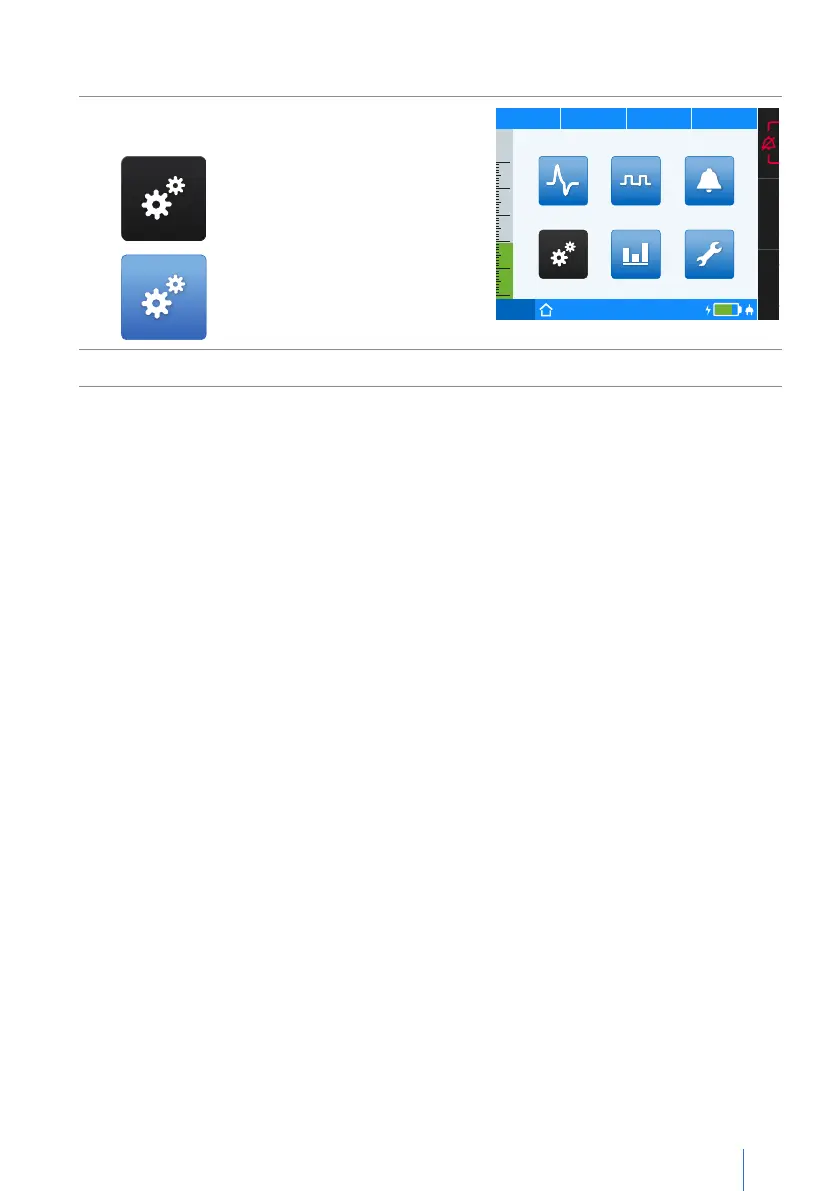
To enable a screen:
1.
Navigate to the desired screen by turning
the MFK.
Selected screen symbol
→
black
Symbol not selected
→
blue
PCV
75%
50
40
30
20
10
0
p
hPa f
bpm V
I
lI:E
Statistics
Parameter Event Log
Service
Monitoring
Thursday I 19.05.2016 I 23:10
System
2. Press the MFK to activate the selected screen.
Change the display mode
In the factory state, the screen switches automatically 2 minutes after the last operation:
• During ventilation to the measurements/graph screen (depending on which screen
was most recently active) or
• When ventilation is off, to the home screen
The physician can set the time for the timer screen change on the system screen. He
can also determine that the display should not change. In this case, the parameter
should be set to “off”.


 To Next Page