Discovery QDR Series Technical Manual
4-31
14. Analyze the scan, and click Start Position. At the bottom of screen verify that the
centerline angle is + 2 degrees. If OK, go to the next step. If not OK, restart the
procedure (go back to Step 1), being careful to align the phantom properly to the
laser.
15. If you are using an Anthropomorphic Spine Phantom (looks like actual bones,
Part Number 030-1967), skip this step.
If you are using a DXA Quality Control Phantom (does not look like actual bones,
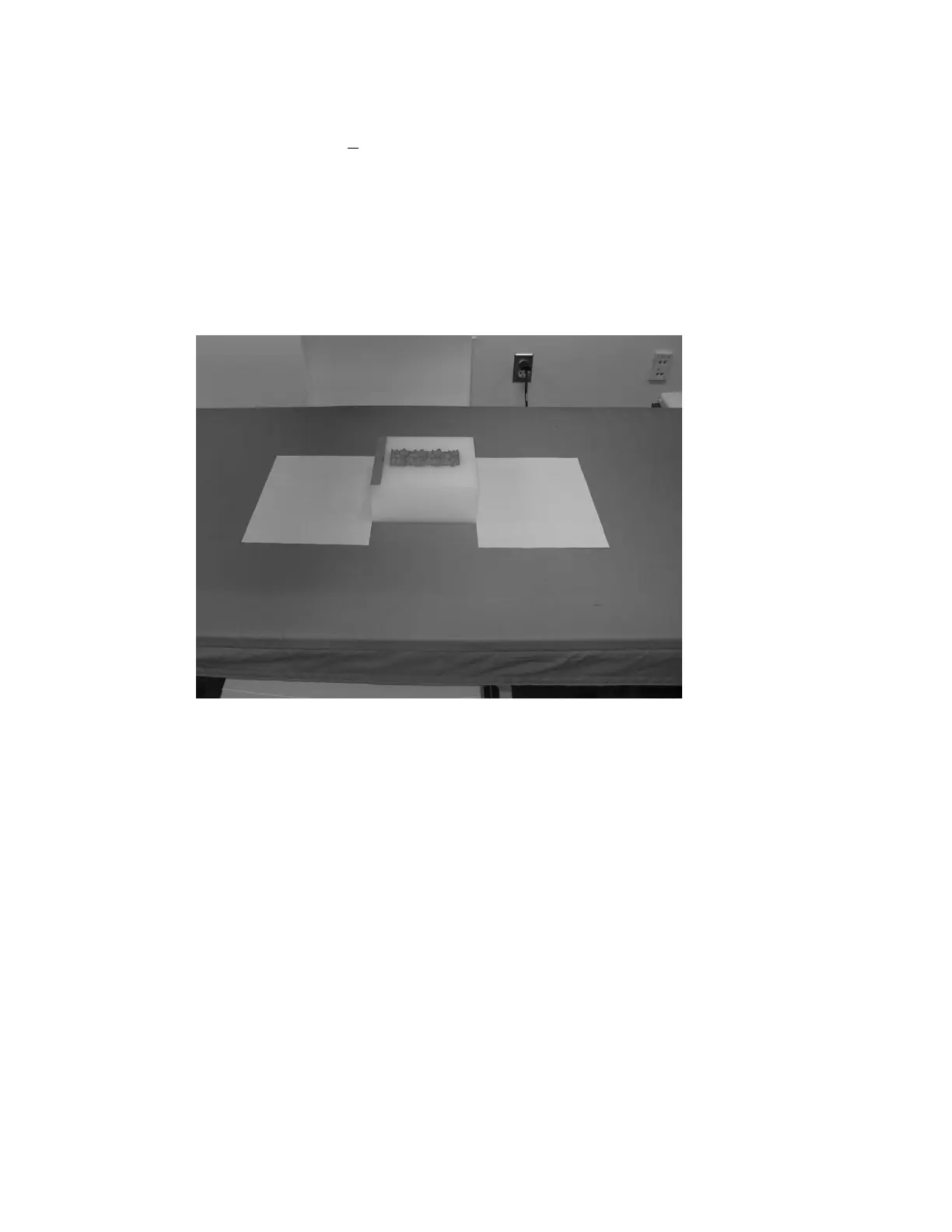
Part Number ASY-01564), place 2 sheets of paper along the left and right edges of
the phantom as shown in Figure 4-10.
Figure 4-10.
Next, rotate the phantom “bone” segments towards the front of the scanner as
shown in Figure 4-11. Be careful to keep the phantom left and right edges parallel
to the sheets of paper.










 To Next Page