Discovery QDR Series Technical Manual
5-9
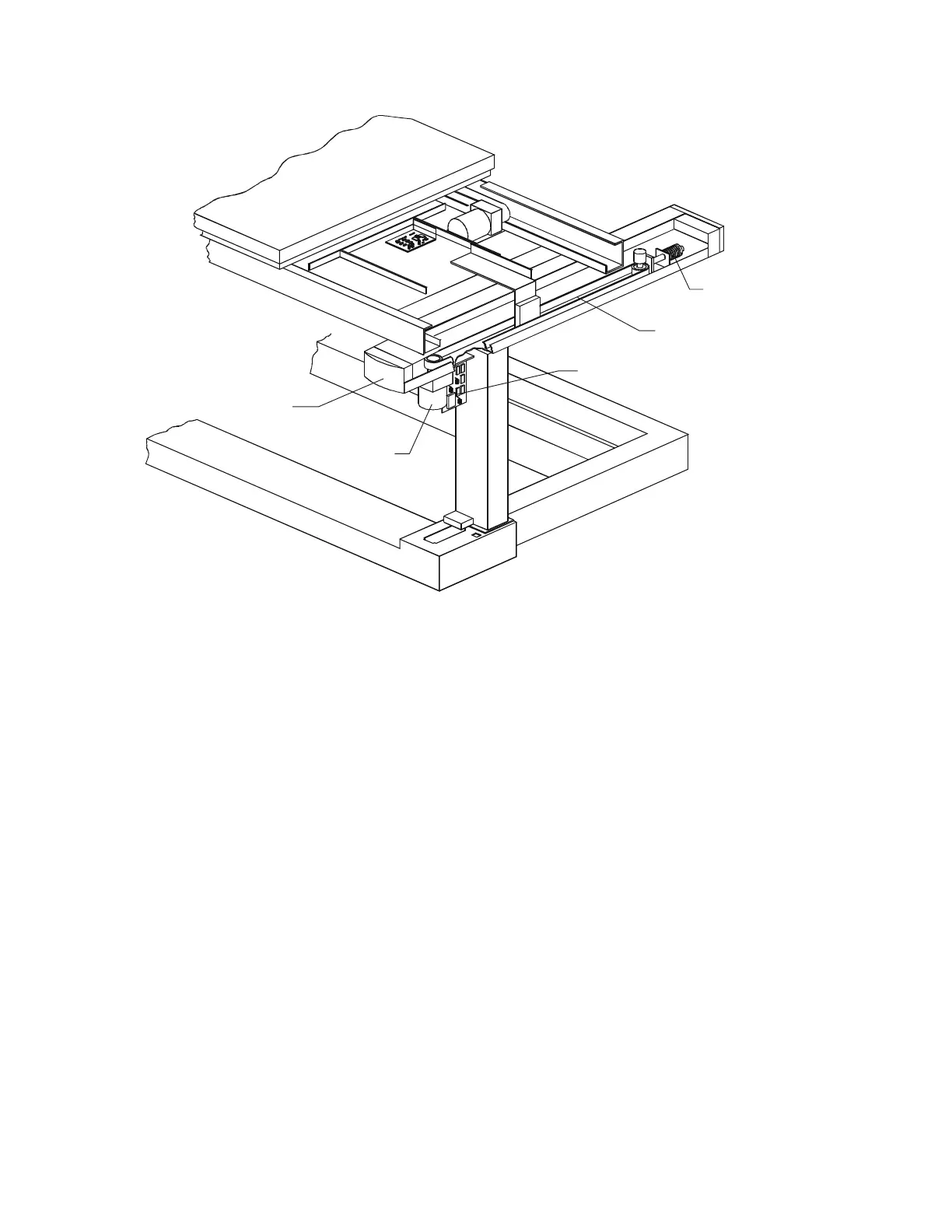
Figure 5-4. Table X FRUs
5.4.1 Table X Motor Controller PCB
To remove and replace the TX Motor Controller board, refer to Figure 5-4 and follow the
procedure below:
1. Before removing power from the Discovery, move the table up as far as it will go.
2. Remove 6 flat head Phillips screws from the upper pedestal cover and remove the
cover.
3. Shut down the computer and then turn off the main circuit breaker on the foot end
pedestal.
4. Unplug the cables on the TX Motor Controller board.
5. To remove the board, unscrew the Phillips screws holding the board.
6. To replace the board reverse the steps.
7. Restore the motor cable shield.
Note: When replacing the TX Motor Controller board, ensure that the ID switch
is set to 4.
Table X Motor
Front Endcap










 To Next Page