Discovery QDR Series Technical Manual
5-20
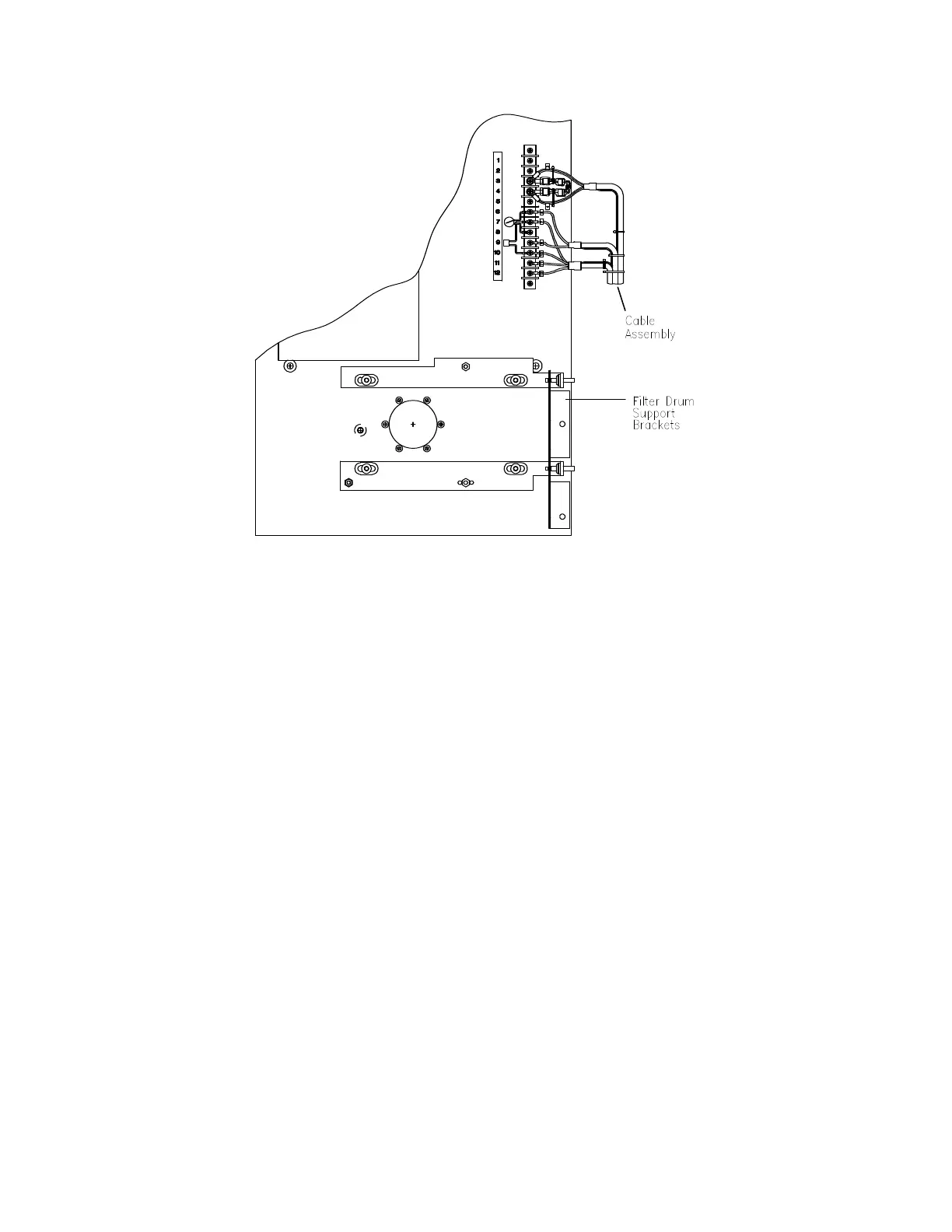
Figure 5-8. Top View of Tank
9. Remove the two L-brackets from the front of the tank that holds the tank to the
C-arm (7/16 inch).
10. Carefully slide the tank out of the C-arm onto a pallet (requires 2 people).
11. Remove the old tank from the tank tray, and install the new tank on the tray.
12. Remove the cable assembly from the old tank and install it on the new tank (see
Figure 5-8).
13. Remove the Filter Drum support brackets from the old tank and install on the
new tank (see Figure 5-8).
14. Slide the tank tray, with tank installed, back in place in the C-arm and replace the
L-brackets.
15. Remove the 2 shipping brackets on each side of the C-arm.
16. Replace the Filter Drum Assembly.
17. Replace the X-ray Controller Assembly.
18. Be sure to reconnect the cable shield and ground strap terminals.
19. Before turning on the Scanner, check the tank cable connections to ensure that
they are correct.
20. Restore power, boot the computer and login as Service.










 To Next Page