Discovery QDR Series Technical Manual
3-29
8. Click X-Rays (F2) to turn X-Rays off.
9. Change the X-ray Mode to 3.
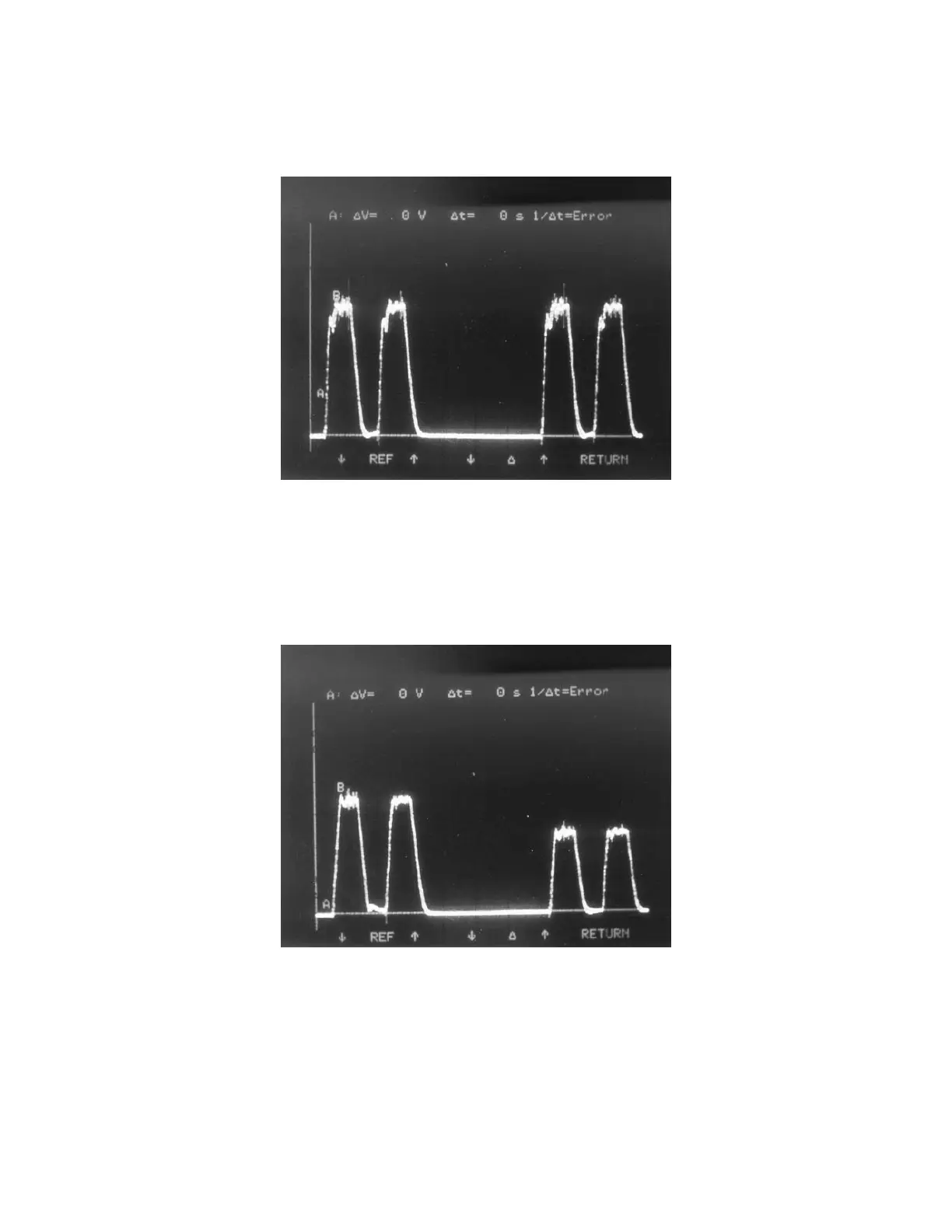
Figure 3-17. Peak Potential Mode 4
10. Click X-Rays (F2) to turn X-Rays on.
11. Observe the oscilloscope. You should see a trace similar to Figure 3-18, alternat-
ing pulses, approximately 4ms in duration, with a peak amplitude of 14V and
10V respectively (corresponding to 140kVp and 100kVp inside the tank).
Figure 3-18. Peak Potential Mode 3
If the scope trace seen is not as shown in either Figure 3-17 or Figure 3-18, the system
may have insufficient AC power, a faulty X-ray Controller, or defective Tank.
Note: Enter this information into Enter this information into the Radiation Measurement
Report (see example on page 3-70).










 To Next Page