141
uuIndicatorsuDriver Information Interface Warning and Information Messages
Continued
Message Condition Explanation
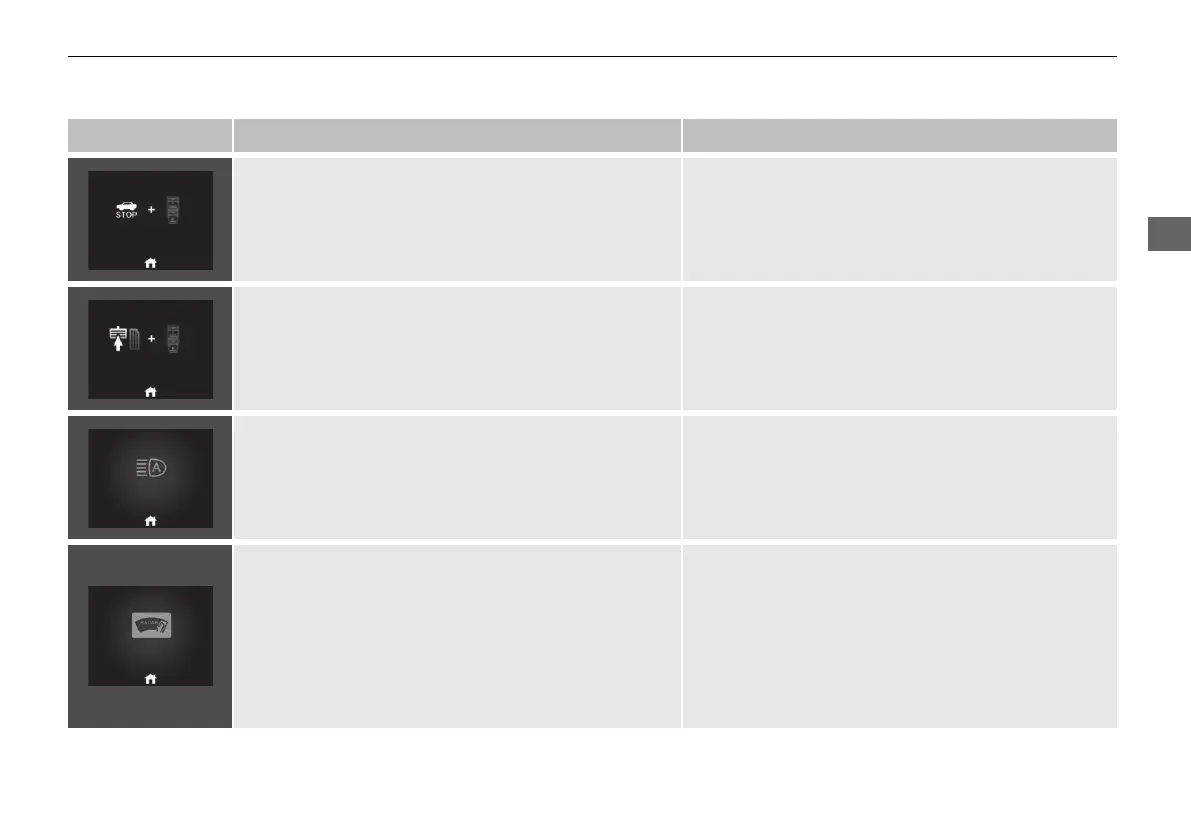
• Appears when the (P button is pressed while the
vehicle is moving.
• Appears if you put the transmission into
(R while the
vehicle is moving forward, or into (D while the vehicle
is reversing.
• Make sure that the vehicle comes to a stop before
operating the shift button.
• Appears when you try to change the shift position
without depressing the brake pedal.
• Depress the brake pedal, then select a shift button.
• Appears if there is a problem with the auto high-beam. • Manually operate the headlight switch.
• If you are driving with the high beam headlights
when this happens, the headlights are changed to
low beams.
• Appears if anything covers the radar sensor cover and
prevents the sensor from detecting a vehicle in front.
• May appear when driving in bad weather (rain, snow,
fog, etc.)
• When the radar sensor gets dirty, stop your vehicle in
a safe place, and wipe off dirt using a soft cloth. The
message may take some time to go off.
• Have your vehicle checked by a dealer if the message
does not disappear even after you clean the sensor
cover.
2 Radar Sensor P. 496
2 Honda Sensing P. 427
20 2EX JSS (KE KG)-32TYF6000.book 141 ページ 2020年3月6日 金曜日 午後6時58分













 To Next Page