142
uuIndicatorsuDriver Information Interface Warning and Information Messages
Message Condition Explanation
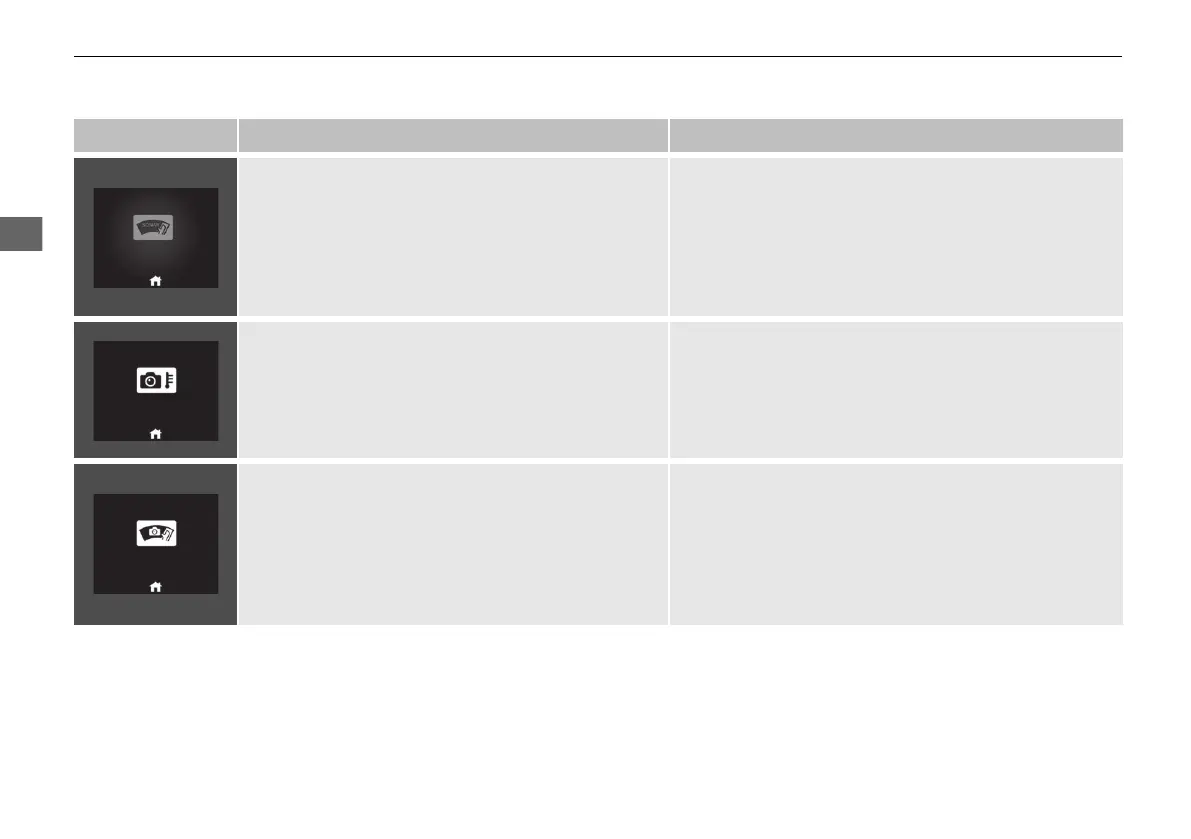
• Appears if anything covers the sonar sensor and
prevents the sensor from detecting.
• May appear when driving in bad weather (rain,
snow, fog, etc.)
• When the sonar sensor gets dirty, stop your vehicle in a
safe place, and wipe off dirt using a soft cloth.
• Have your vehicle checked by a dealer if the message
does not disappear even after you clean the sensor
cover.
2 Sonar Sensors P. 497
2 Honda Sensing P. 427
• Appears if the temperature inside the front sensor
camera is too high and some driver assist systems
cannot be activated.
• Use the climate control system to cool down the
camera.
• Disappears - The camera has been cooled down and
the systems are activated normally.
2 Front Sensor Camera P. 494
2 Honda Sensing P. 427
• Appears if the area around the front sensor camera
is blocked by dirt, mud, etc. and be prevented from
detecting a vehicle in front.
• May appear when driving in bad weather (rain,
snow, fog, etc.)
• When the front window gets dirty, stop your vehicle in
a safe place, and wipe it off with a soft cloth.
• Have your vehicle checked by a dealer if the message
does not disappear even after you cleaned the area
around the camera.
2 Front Sensor Camera P. 494
2 Honda Sensing P. 427
20 2EX JSS (KE KG)-32TYF6000.book 142 ページ 2020年3月6日 金曜日 午後6時58分













 To Next Page