143
uuIndicatorsuDriver Information Interface Warning and Information Messages
Continued
Message Condition Explanation
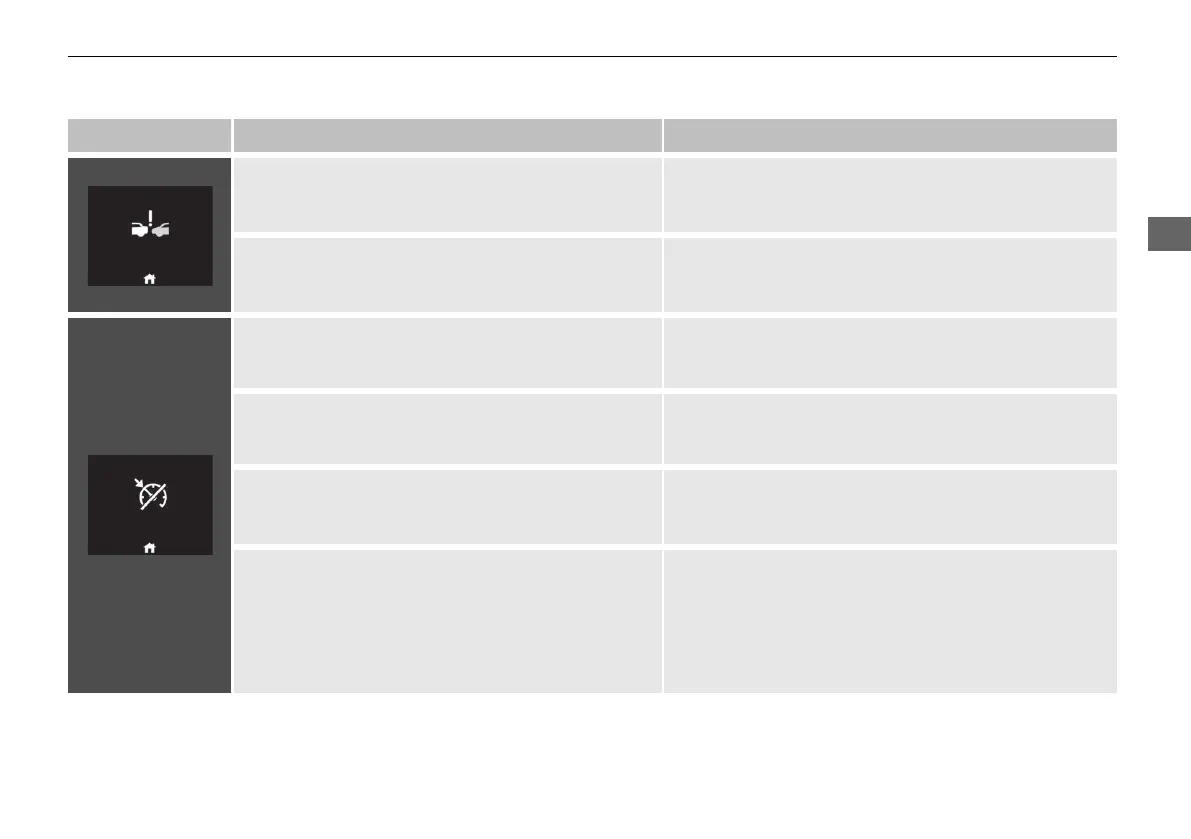
• Appears when the distance between your vehicle
and the vehicle ahead of you is too close while ACC
is in operation.
• ACC has been automatically cancelled.
2 Adaptive Cruise Control (ACC) with Low Speed
Follow P. 447
• Appears when pressing the RES/+ or SET/− button
while the distance between your vehicle and the
vehicle ahead of you is too close.
• ACC cannot be set.
2 Adaptive Cruise Control (ACC) with Low Speed
Follow P. 447
• Appears when the speed of the vehicle is too high
for you to set ACC.
• Reduce the speed, then set ACC.
2 Adaptive Cruise Control (ACC) with Low Speed
Follow P. 447
• Appears when ACC is cancelled due to excessive
high vehicle speed.
• Reduce the speed, then reset ACC.
2 Adaptive Cruise Control (ACC) with Low Speed
Follow P. 447
●
Appears if ACC cannot be set due to repeated
deceleration, driving on a long downward slope, or
excess vehicle weight.
• Wait awhile, then reset ACC.
2 Adaptive Cruise Control (ACC) with Low Speed
Follow P. 447
●
Appears just before ACC is automatically cancelled
due to repeated deceleration, driving on a long
downward slope, or excess vehicle weight. (Will
automatically open until the distance between your
vehicle and the vehicle ahead is the maximum set in
distance settings.)
●
ACC will be cancelled automatically.
2 Adaptive Cruise Control (ACC) with Low Speed
Follow P. 447
20 2EX JSS (KE KG)-32TYF6000.book 143 ページ 2020年3月6日 金曜日 午後6時58分













 To Next Page