147
uuIndicatorsuDriver Information Interface Warning and Information Messages
Continued
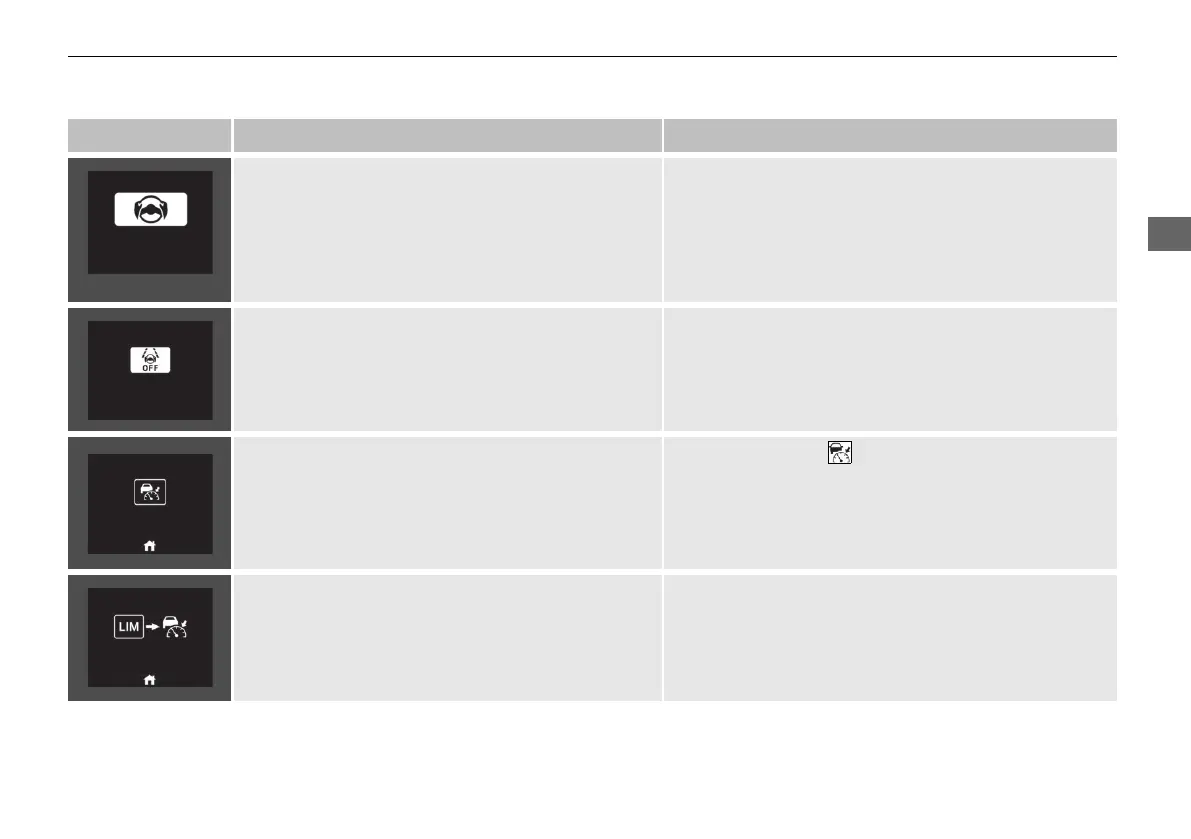
Message Condition Explanation
(White)
• Appears when the vehicle is likely to drive out of a
detected lane.
The Road Departure Mitigation system also steers
the vehicle to help you remain within your driving
lane.
• Take direct control of the steering and keep the vehicle
in the centre of the lane. The message will disappear
after a while.
2 Road Departure Mitigation System P. 478
• Appears when the LKAS is in operation, or the LKAS
button is pressed, but there is a problem with a
system related to the LKAS. The LKAS cancels
automatically. The beeper sounds simultaneously.
• If any other system indicators come on, such as the
VSA, ABS and brake system, take appropriate action.
2 Indicators P. 106
• Appears when the SET/−, RES/+, CANCEL, interval
or LIM button is pressed while ACC, adjustable
speed limiter or intelligent speed limiter is off.
●
After pressing the button, press the SET/−, RES/+,
CANCEL, interval or LIM button.
2 Adjustable Speed Limiter P. 405
2 Intelligent Speed Limiter P. 410
2 Adaptive Cruise Control (ACC) with Low Speed
Follow P. 447
• Appears when the interval button is pressed in
adjustable speed limiter/intelligent speed limiter
mode.
• After switching to ACC, press the interval button.
2 Adjustable Speed Limiter P. 405
2 Intelligent Speed Limiter P. 410
2 Adaptive Cruise Control (ACC) with Low Speed
Follow P. 447
20 2EX JSS (KE KG)-32TYF6000.book 147 ページ 2020年3月6日 金曜日 午後6時58分













 To Next Page