uuDisplay AudiouAndroid Auto
316
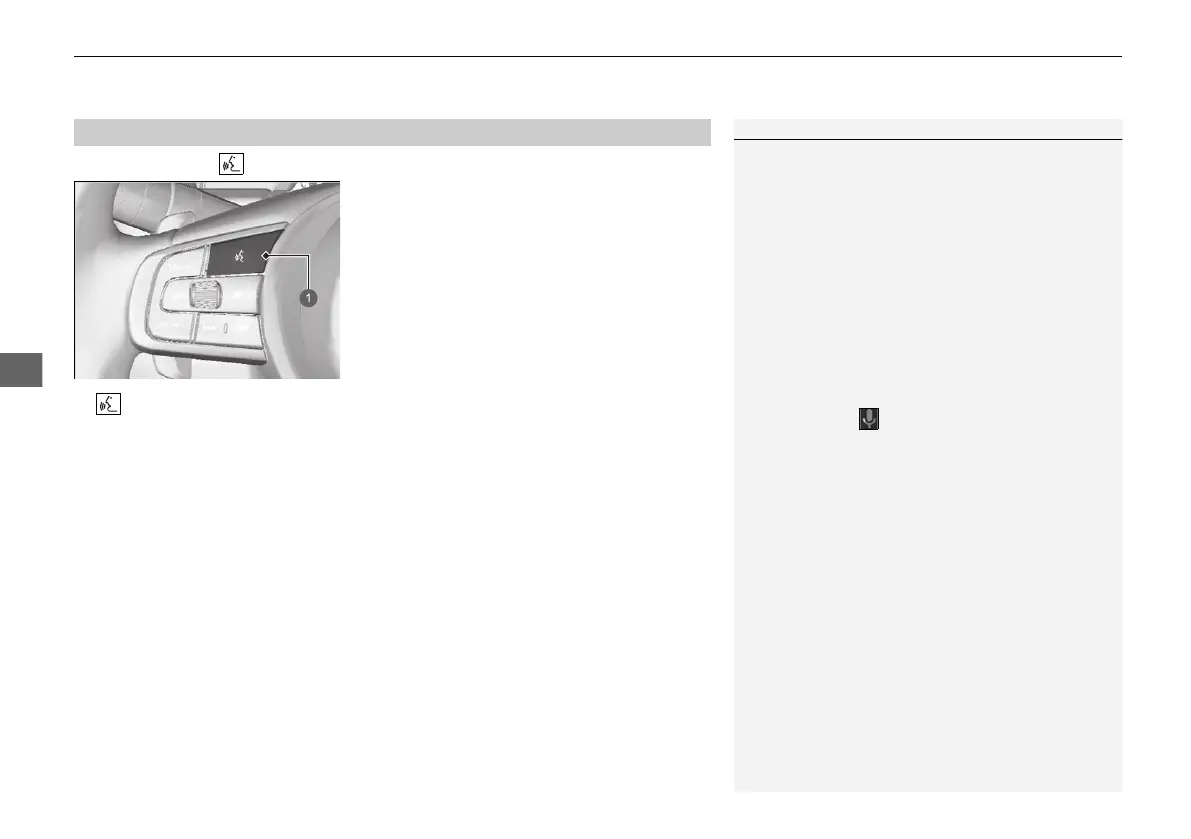
Press and hold the (talk) button to operate Android Auto with your voice.
Press and hold to operate Android Auto with your voice.
Press and release to activate standard voice recognition system.
■
Operating Android Auto with Voice Recognition
1Operating Android Auto with Voice Recognition
Below are examples of commands you can give with
voice recognition:
• Reply to text.
• Call my wife.
• Navigate to Honda.
• Play my music.
• Send a text message to my wife.
• Call flower shop.
For more information, please refer to the Android
Auto homepage.
You can also activate the voice recognition function
by selecting the icon in the lower-left corner of
the screen.
20 2EX JSS (KE KG)-32TYF6000.book 316 ページ 2020年3月6日 金曜日 午後6時58分


 To Next Page
 Loading...









