uuMulti-View Camera
*
u
532
■
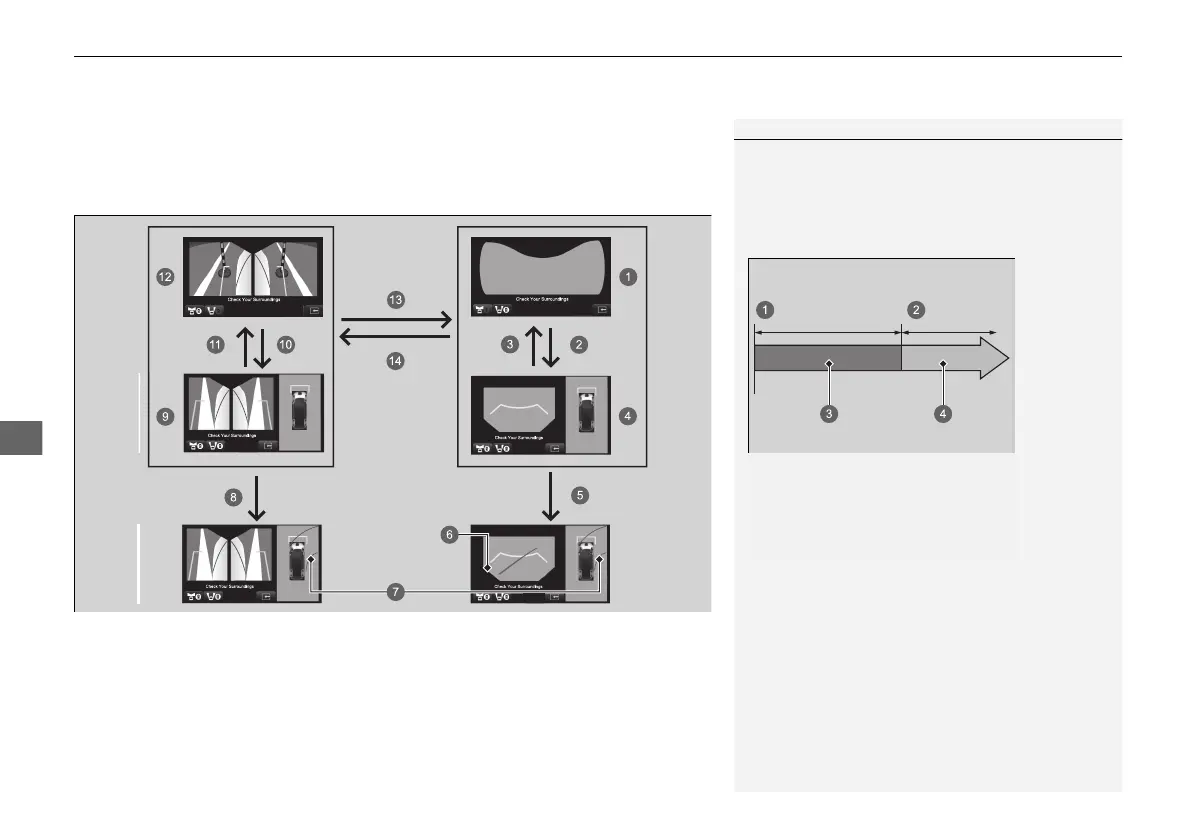
Checking for the Sides of Your Vehicle
You can display the front ground view screen using all the four cameras for the
system. Pressing the CAMERA button when the vehicle speed is at below 20 km/h
(12 mph) changes the image as follows.
1Checking for the Sides of Your Vehicle
While the image from the multi-view cameras is
being displayed if the vehicle speed exceeds 25 km/h
(16 mph), the front or side view on the screen
automatically switches to the audio/information
screen.
a 0 km/h (0 mph)
b 25 km/h (16 mph)
c Camera Screen
d Audio/Information Screen
20 2EX JSS (KE KG)-32TYF6000.book 532 ページ 2020年3月6日 金曜日 午後6時58分













 To Next Page