Honeywell | 39
8 Configuring CloudLink 5G Modem
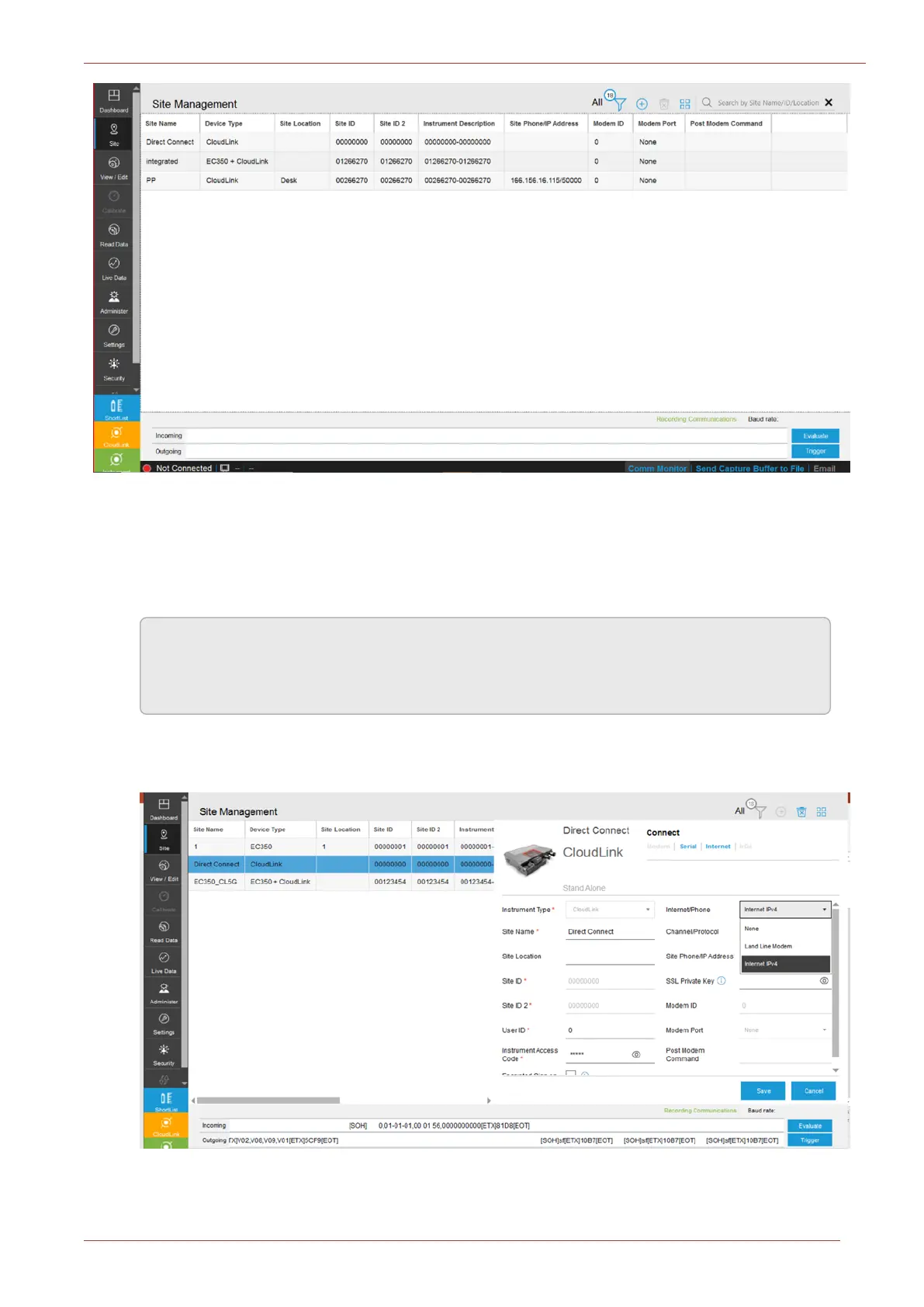
Choose the existing site to which you want to connect.
There are two modes of communication:
a. Serial: Serial will be the default option. When the user selects Serial, MasterLink will connect
to the modem through serial interface.
Note: To connect to a modem through serial interface, configure “CloudLink Serial port
connection” in the Settings tab. For more details, see MasterLink User Guide Com-
munications Setup section.
b. Internet: You need to select “Internet IPv4” against the option “Internet/Phone” to get the
Internet mode of connection.



 To Next Page