Honeywell | 52
8 Configuring CloudLink 5G Modem
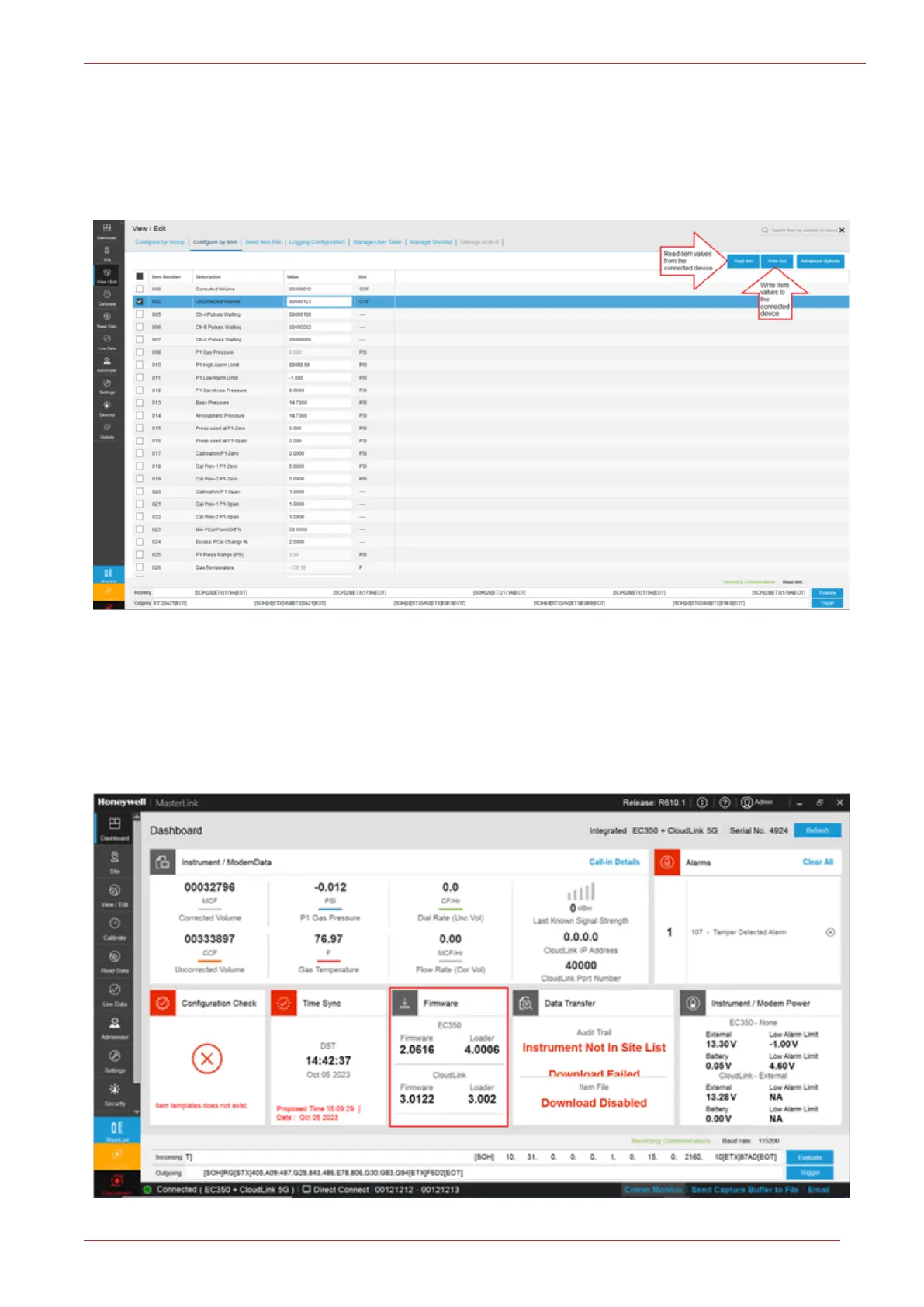
1. Select an item by clicking on the check box next to it.
2. Enter a value for the item number.
3. Click Write Item after making the changes. This will write the new item value to the connected
instrument.
Sliding the mouse over the column divider until a cross is displayed, then dragging it to the desired
width can re size the column widths. Use the up/down arrows or across arrows for full viewing of all
data fields.
8.6 Firmware Upgrade
Dashboard reports the current firmware revision(s)/version(s) loaded in the instrument(s).



 To Next Page