Honeywell | 53
8 Configuring CloudLink 5G Modem
To upgrade the device firmware, see to “CloudLink Modem Firmware Update” section in “MasterLink
User Guide” or see "Remote unit firmware tab" section in “PowerSpring User's Manual”.
Before proceeding the firmware upgrade of the device, enable item code as shown in below table
using MasterLink or PowerSpring:
Item Code Value Description
3107 Enable Allows firmware upgrade.
3107 Disable Restricts firmware
upgrade.
8.7 Server Mode
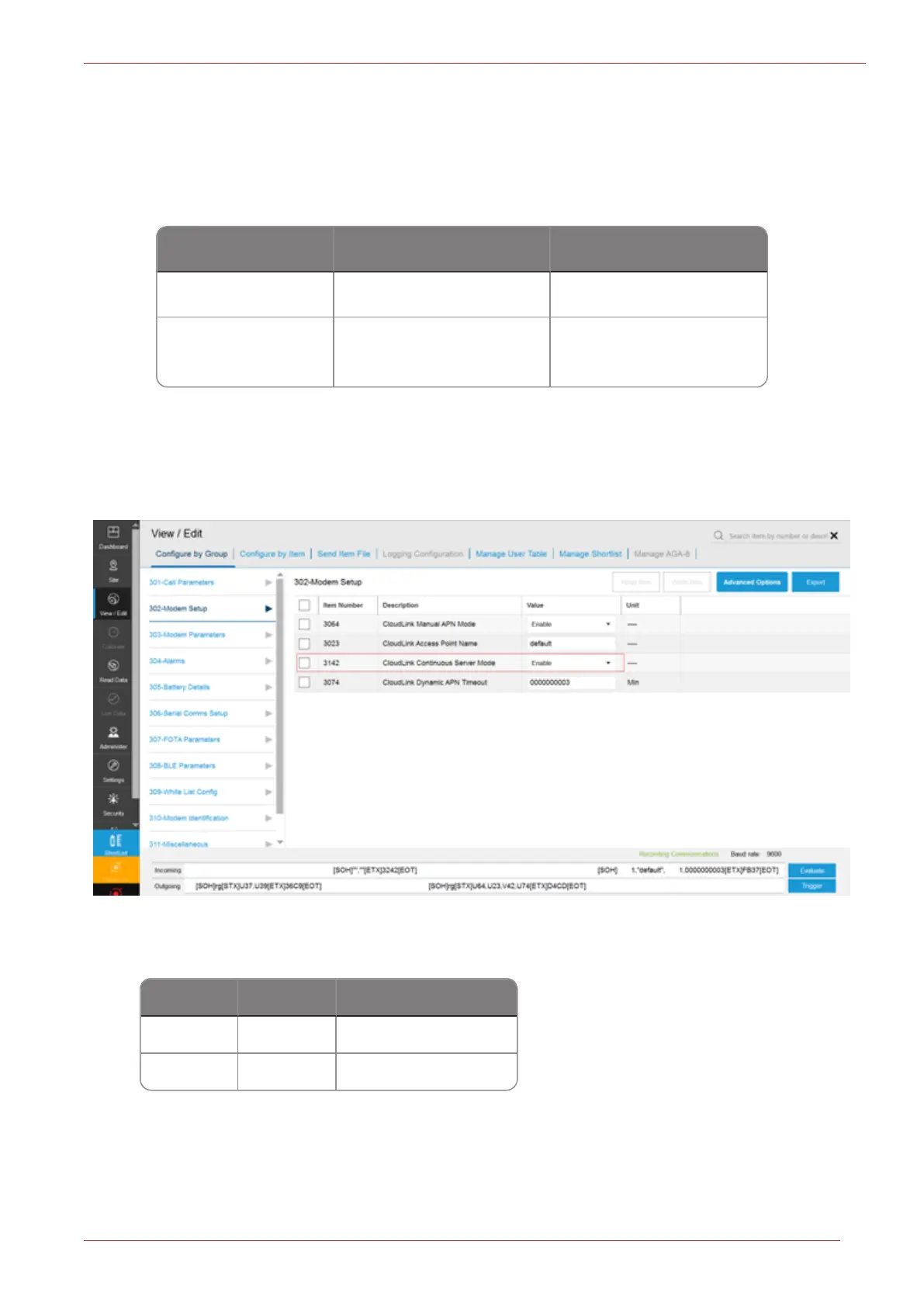
To configure server mode settings:
1. Go to Config > Config by Group > Select Modem setup.
2. Configure item code 3142 as shown in below table:
Item Code Value
Description
3142 Enable
Server Mode enabled
3142 Disable
Server Mode disabled
3. Configure item code 3064 as shown in table below:



 To Next Page