Honeywell | 63
8 Configuring CloudLink 5G Modem
8.11.2 Diagnostic Logs
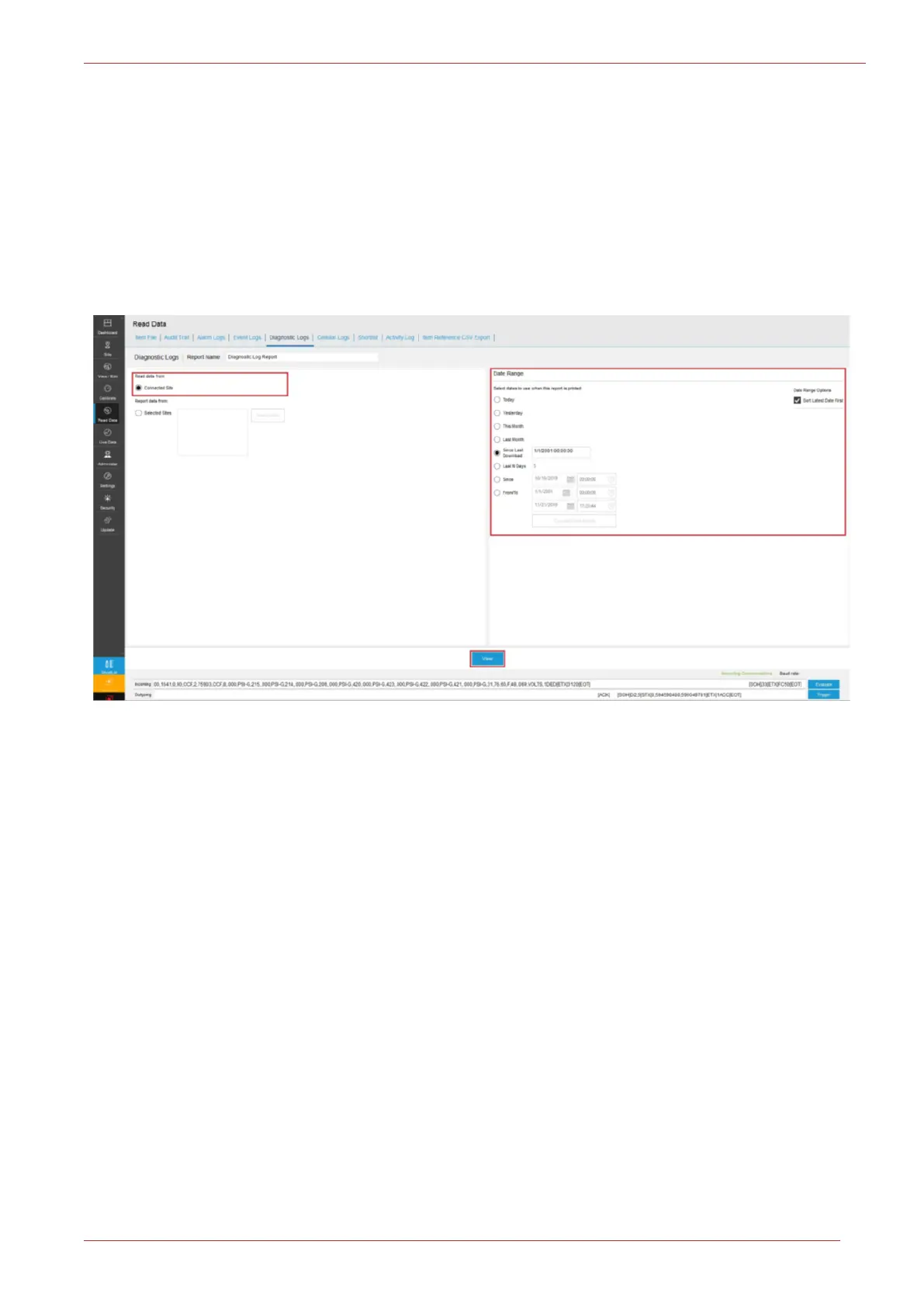
Use the 'Diagnostic Logs' tab to read diagnostic data from a CloudLink 5G Modem. You can read
Diagnostic logs from the currently connected site. Alternatively, you can choose to select a list of
sites and then generate a report.
Diagnostic logs are applicable to CloudLink 5G Modem only and would be available when con-
nected to CloudLink Modem or in integrated mode (EC350 + CloudLink 5G Modem).
On checking the Connected Site, select a Date Range and then click View tab.
The Diagnostic Log report for the connected site is seen here.
Alternatively, you can choose to select a list of sites and then generate a report.
Start by checking the Selected Sites, select a site from the Select Sites tab. A new window appears.



 To Next Page