Honeywell | 56
8 Configuring CloudLink 5G Modem
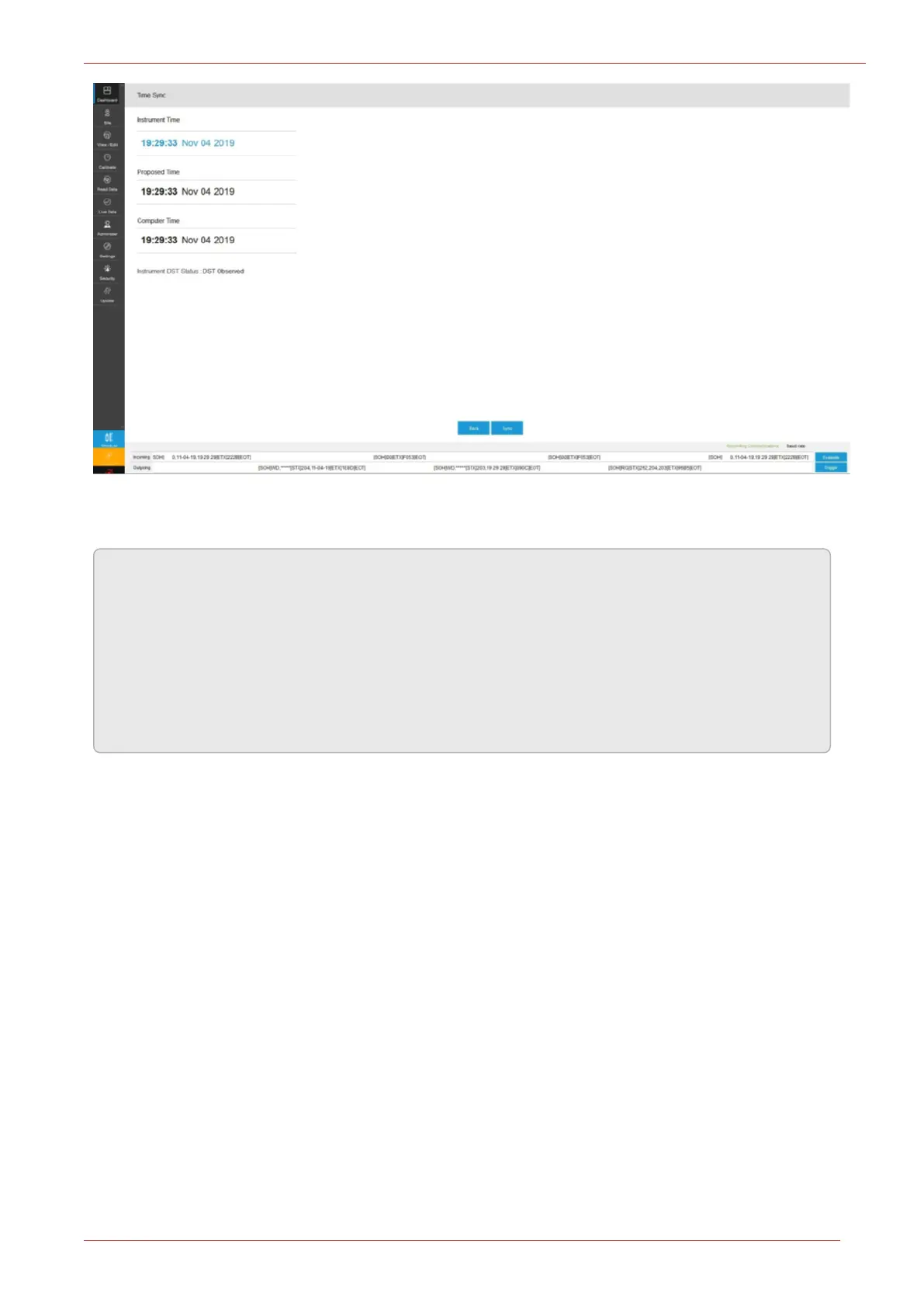
Time difference trigger point is taken into account when application reports time synchronization
status.
Note:
a. In case of integrated devices, Time Sync for both device and modem are considered but
user can see only Device’s date and time in the Dashboard Time Sync panel. If device time
is in sync but the modem time is not, the Time Sync panel shows an error.
b. The computer time displayed on the Time Sync is not dynamic. It is the actual PC time
when the Time Sync tab is opened. It changes only when the Time Sync tab is refreshed.
The computer time can be different from the actual PC time.
8.10 Secure Feature
8.10.1 Encrypted Sign On (TLS Communication)
CloudLink 5G Modem can be accessed through the following interfaces
1. Serial RS232
2. TCP/IP (Cellular)
3. IN3 IrDA (via 350s)
A valid user name and password are required for accessing the CloudLink 5G Modem. For encrypted
sign-on, password is hashed using SHA256 encryption algorithm. The device supports different priv-
ilege levels like Read/Write, and Read Only.
The CloudLink 5G supports whitelisting for cellular communication. The user can configure up to 10
host IP addresses for device to allow specific hosts in case of CALLOUTS.



 To Next Page