Honeywell | 40
8 Configuring CloudLink 5G Modem
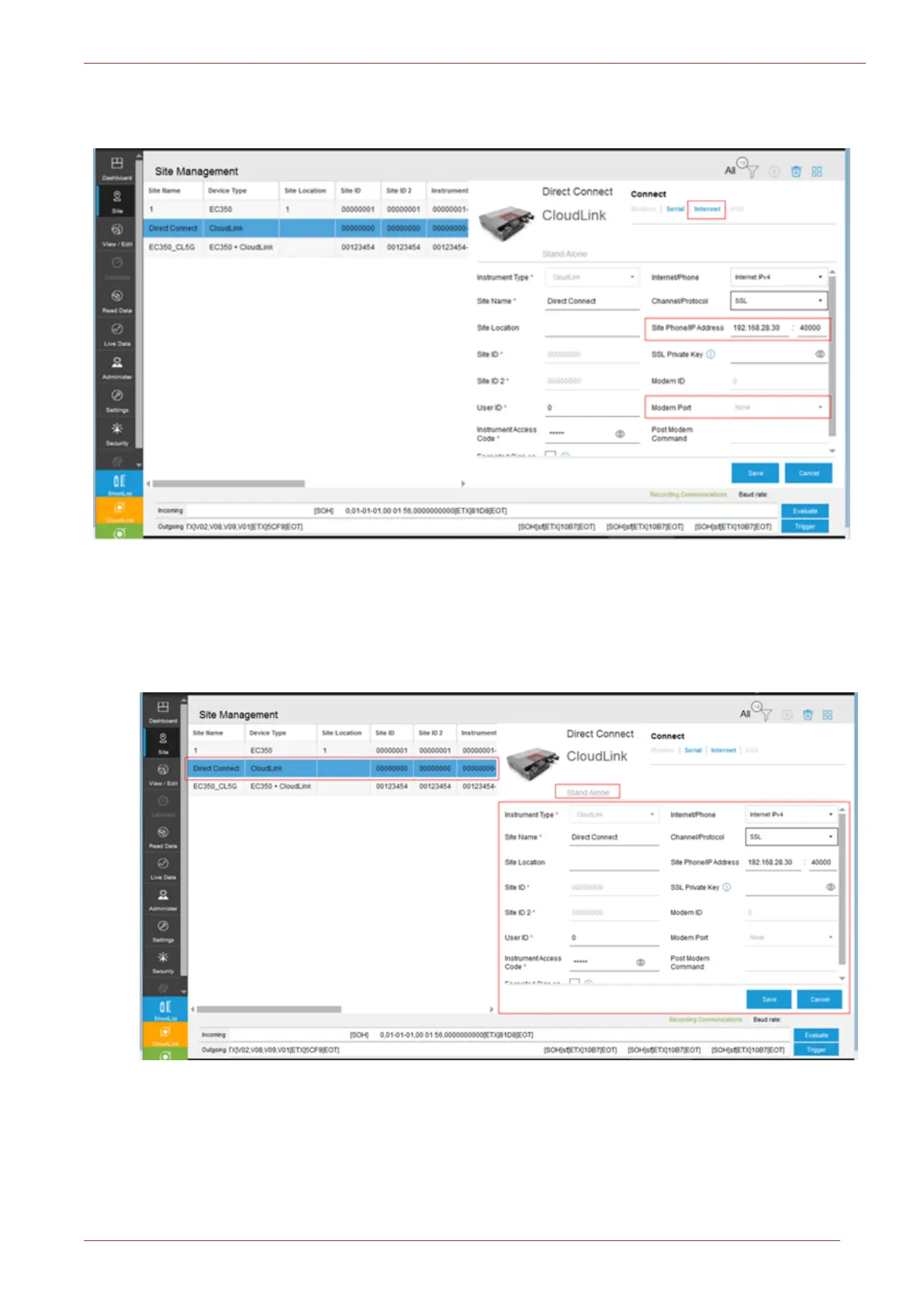
To connect to a modem through the Internet interface, configure “CloudLink IP address and Port
number” as shown in below image:
8.3.4.1 Standalone Mode of Connection
1. Click on the Site tab.
2. Configured sites can be connected using the Site/Site Management screen of MasterLink.
3. Provide the necessary information, such as Instrument Type, Site Name, Site ID, Site ID2, User
ID, Instrument Access Code etc; and then click Save.
4. Based on the “communication mode” click on Serial/Internet, MasterLink will connect to the
device.



 To Next Page