8
3. Log Into The Router
3.1. Log In
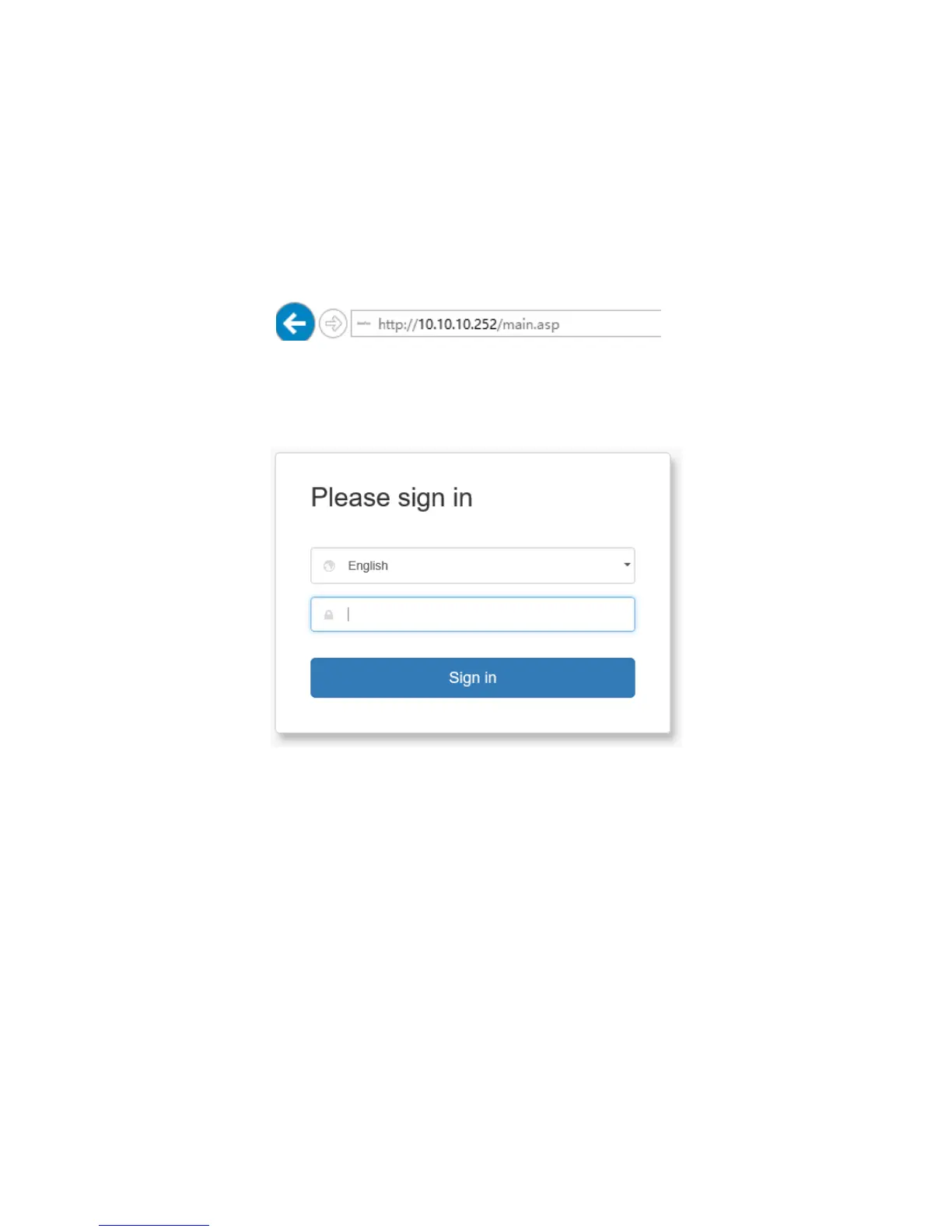
To access the Router’s Web-based Utility, launch a web browser (such
as Internet Explorer or Firefox) and enter http://10.10.10.252 into your
browser address bar. Press “Enter”.
The system will automatically display the login page. Please enter the
correct password (default password is admin) and click the Login
button or press “Enter”.
Note: Password is case sensitive. The default password is admin.
3.2. Webpage Layout
After the first-time login or initial password setup, the system will display
the router web page. Router settings can be viewed and modified here.
The web page is structured into Primary & Secondary Navigation,
Configuration, and Help sections.



 To Next Page