16
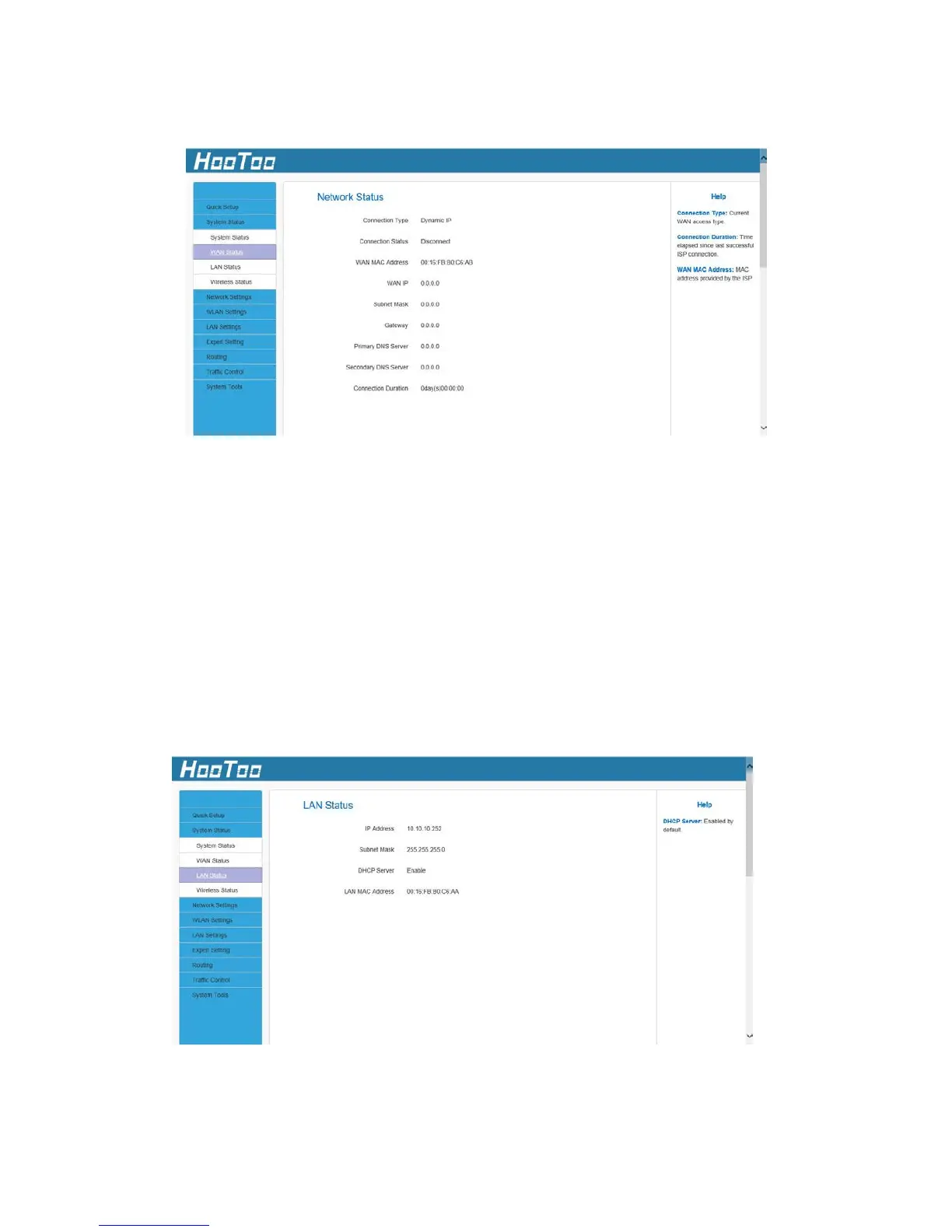
4.2.2. WAN Status
Connection Type: Displays the current access mode WAN port.
Connection Status: It displays the connection status.
WAN MAC Address: It displays the Adapter’s WAN MAC address
WAN IP: IP Address obtained from ISP.
Subnet Mask: Obtained from ISP.
Gateway: Obtained from ISP.
Primary DNS Server: Obtained from ISP.
Second DNS Server: Obtained from ISP.
Connection Duration: Amount of time the device has been connected.
4.2.3. LAN Status
IP address: The Router’s LAN IP address (not your PC’s IP address). The
default value is 10.10.10.252; you can change it when necessary.



 To Next Page