30
DMZ Host IP: The IP address of the computer you want to expose.
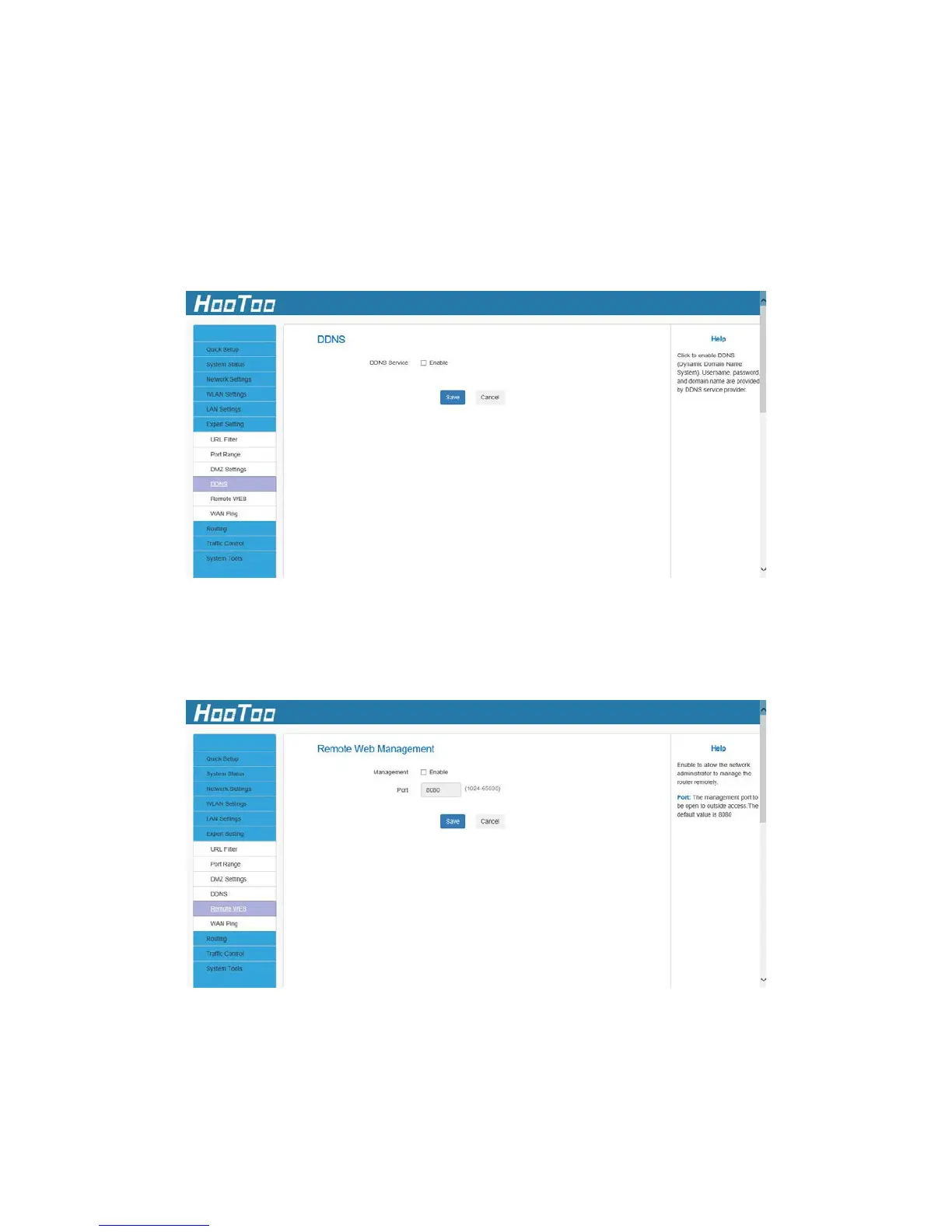
4.6.4 DDNS
The router supports DDNS (Dynamic Domain Name System). This is used
to assign a fixed host and domain name to a dynamic Internet IP
address and FTP server. To activate this function, check "Enable" and
sign into the DDNS service provider.
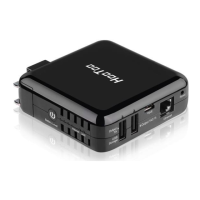
4.6.5 Remote WEB
By selecting "Enable" you allow the network administrator to manage
the router remotely.
Enable: Check to enable the Remote Web Management feature.
Port: The management port grants external access. The default setting is
8080. This can be changed.



 To Next Page