45
35.Stove in operation
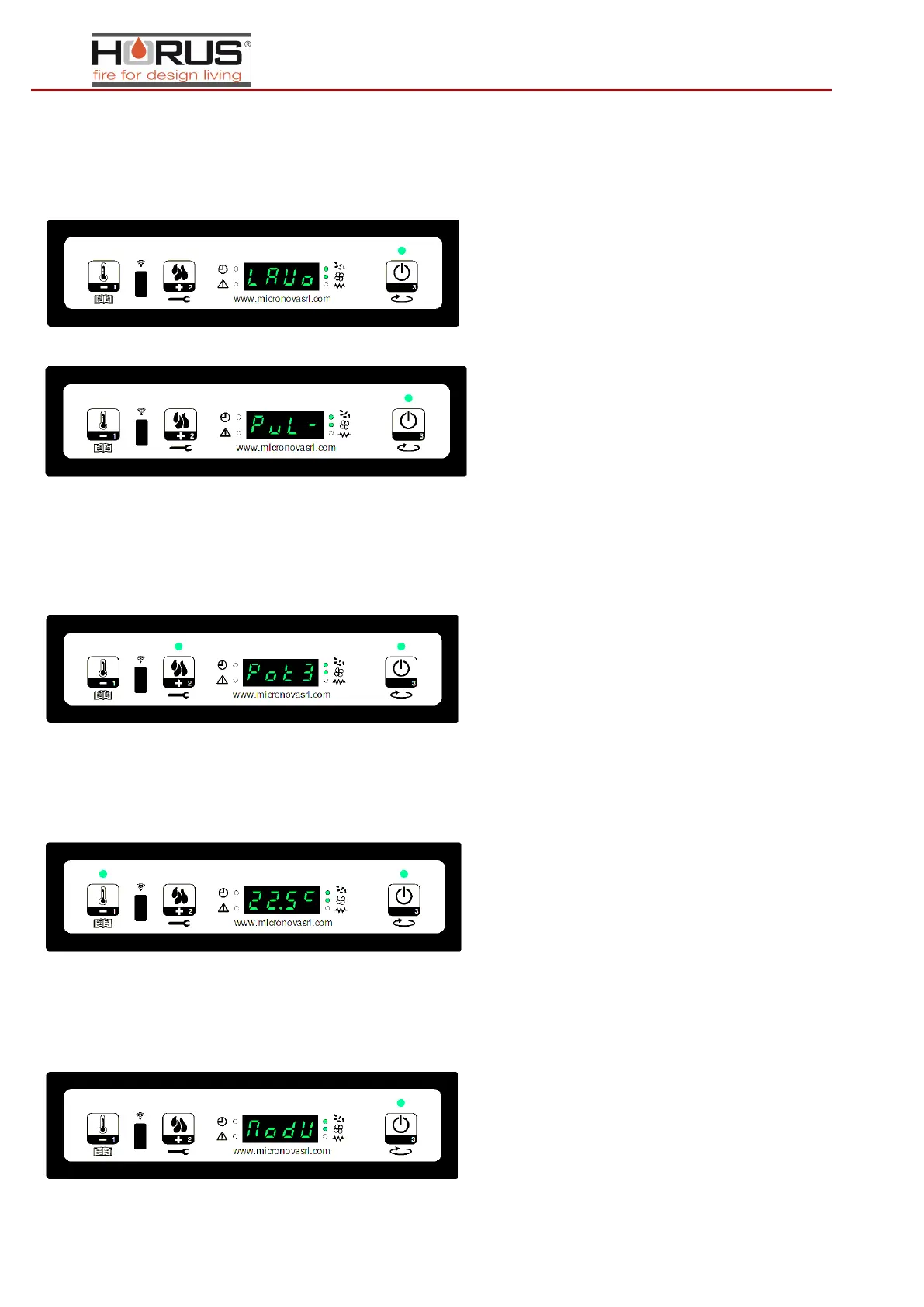
Once the fire presence control time is met, the stove goes into operating more, which is the normal status. The display shows
"Operation" and the ON/OFF LED is on. The power can be set by holding down P2 and the room temperature can be set by
pressing P1. Once the temperature needed inside the combustion chamber has been reached, the air exchange fan turns on.
(exchange LED on).
During operation, the stove cleans the brazier. "Clean-brazier" scrolls on the display and the screw feeder is on (screw feeder
LED on). Once the cleaning time has ended, the stove returns to the operating status.
36.Change the set caloric power
During normal stove operation (Operation), the caloric power can be changed using the P2 button. (Set power LED on) To
increase the caloric power press P2 again and to decrease press P1. The set power level is shown on the display. To exit the
setting, wait 5 seconds without performing any operations on the keypad or press P3.
37.Change the room temperature setting
To change the room temperature, use P1. The display shows the set room temperature (temperature SET). Use the P1
(decrease) and P2 (increase) buttons to change the value. After about 5 seconds the value is saved and the display returns to
normal. To exit without waiting, press P3.
38.The room temperature reaches the set temperature (temperature SET)
When the room temperature has reached the set value, the caloric power for the stove is automatically switched to minimum.
In this condition the display shows "Modulate". If the temperature falls below the setting (Set temperature), the stove returns
to "Operation" mode and the previously set power (Set power).


 To Next Page