2-2
Modulate
or
Sum
the Signals
Adjust
Your
Oscilloscope
Display
..........................................
Channel
A
Vol ts/Division
...........................................
1
V
Coupling
................................
dc (High Impedance)
Time/Division
.......................................
.0.2
ms
Trigger
...........................................
Channel
A
Select Chassis Ground
1.
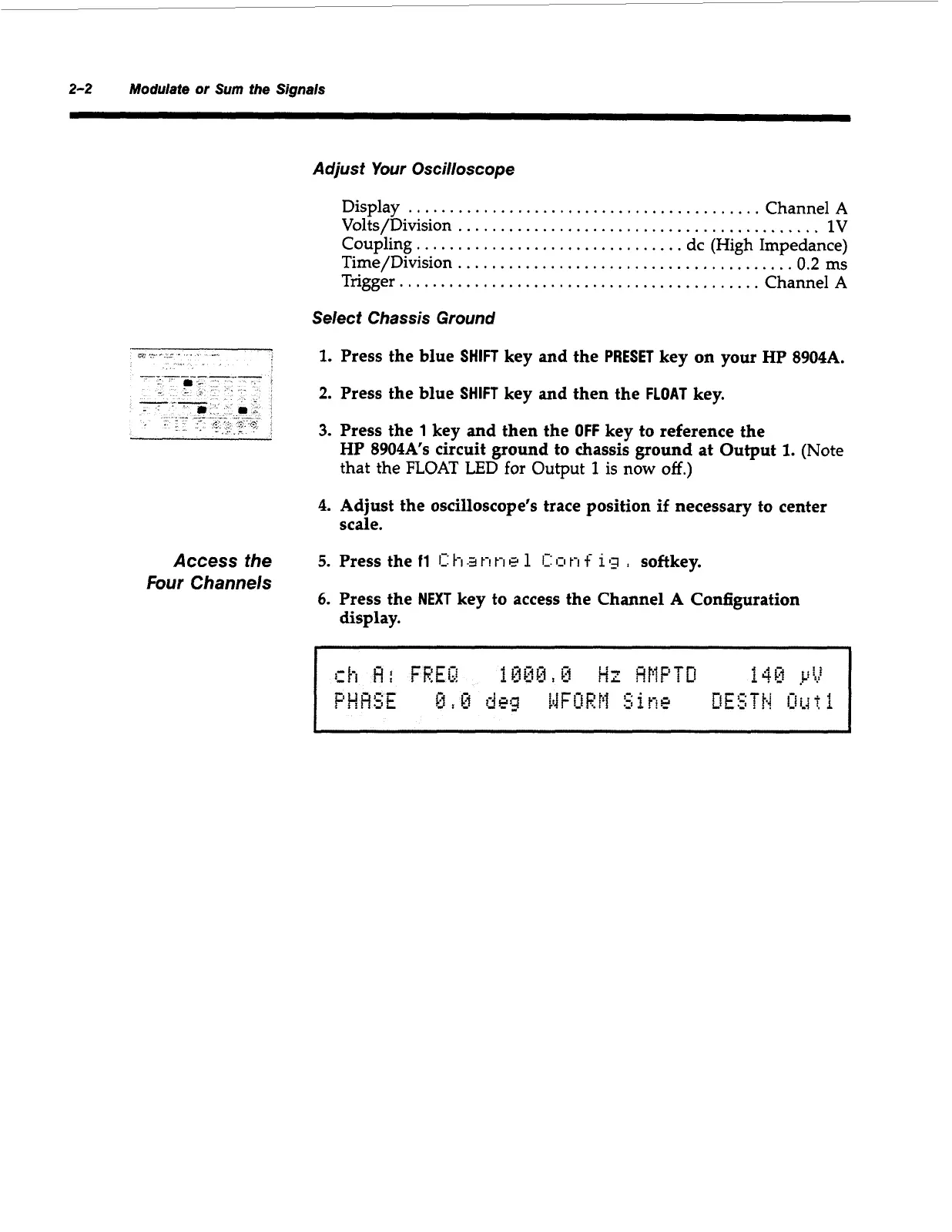
Press the blue
SHIFT
key and the
PRESET
key on your HP 8904A.
2.
Press the blue
SHIFT
key and then the
FLOAT
key.
3.
Press the
1
key and then the
OFF
key to reference the
HP 8904A’s circuit ground to chassis ground at Output
1.
(Note
that
the
FLOAT
LED for Output
1
is
now
off.)
4.
Adjust the oscilloscope’s trace position
if
necessary to center
scale.
Access the
Four
Channels
5.
Press the
11
1:
h.2
t-!
t-1
E?
1
C:
o
t-1
f
112
,
softkey.
6.
Press the
NEXT
key to access the Channel
A
Configuration
display.
Artisan Technology Group - Quality Instrumentation ... Guaranteed | (888) 88-SOURCE | www.artisantg.com



 To Next Page