3-8
Output
a
Sequence
of
Signals
Select
the
Run
Mode
23.
Press the
NEXT
key to access the Run Mode display.
24.
Press the
AMPTD
key and enter
5V.
The output amplitude of each
tone in your sequence will be
5
Vpk into a high impedance input
(or
5
Vpp into a
50R
input).
25.
Press the
11
M
EI
ni-4
a
1
softkey to access the Manual Step
mode.
26.
Press the
0
key to step through the Tone Sequence you
have
set up.
Note that the value shown in brackets in the display is
the number of the Tone Register currently being output. The
number to the left
of
the brackets
is
the sequence position
number of that Tone Register.
27.
Press the
12
1:
111
t-1
t
1
t-i
1-4
1-4
E
softkey.
This causes the
HP
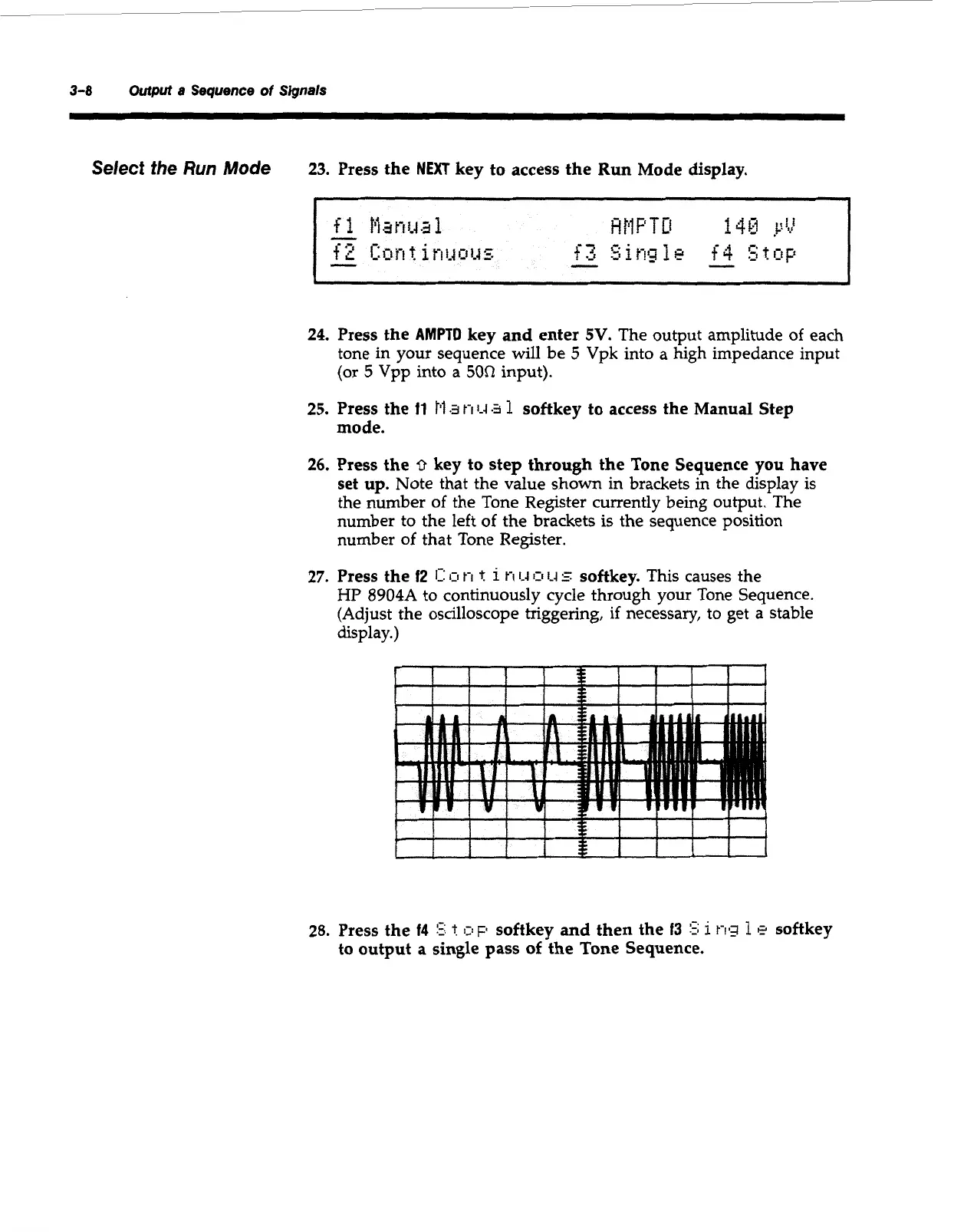
8904A to continuously cycle through your Tone Sequence.
(Adjust the oscilloscope triggering, if necessary,
to
get a stable
display.)
28.
Press the
14
5;
t:
c!~
softkey and then the
f3
5;
i
t-19
1
e
softkey
to
output
a
single pass
of
the Tone Sequence.
Artisan Technology Group - Quality Instrumentation ... Guaranteed | (888) 88-SOURCE | www.artisantg.com



 To Next Page