3-16
Output
a
Sequence
of
Signals
Specify the
Sequence Order
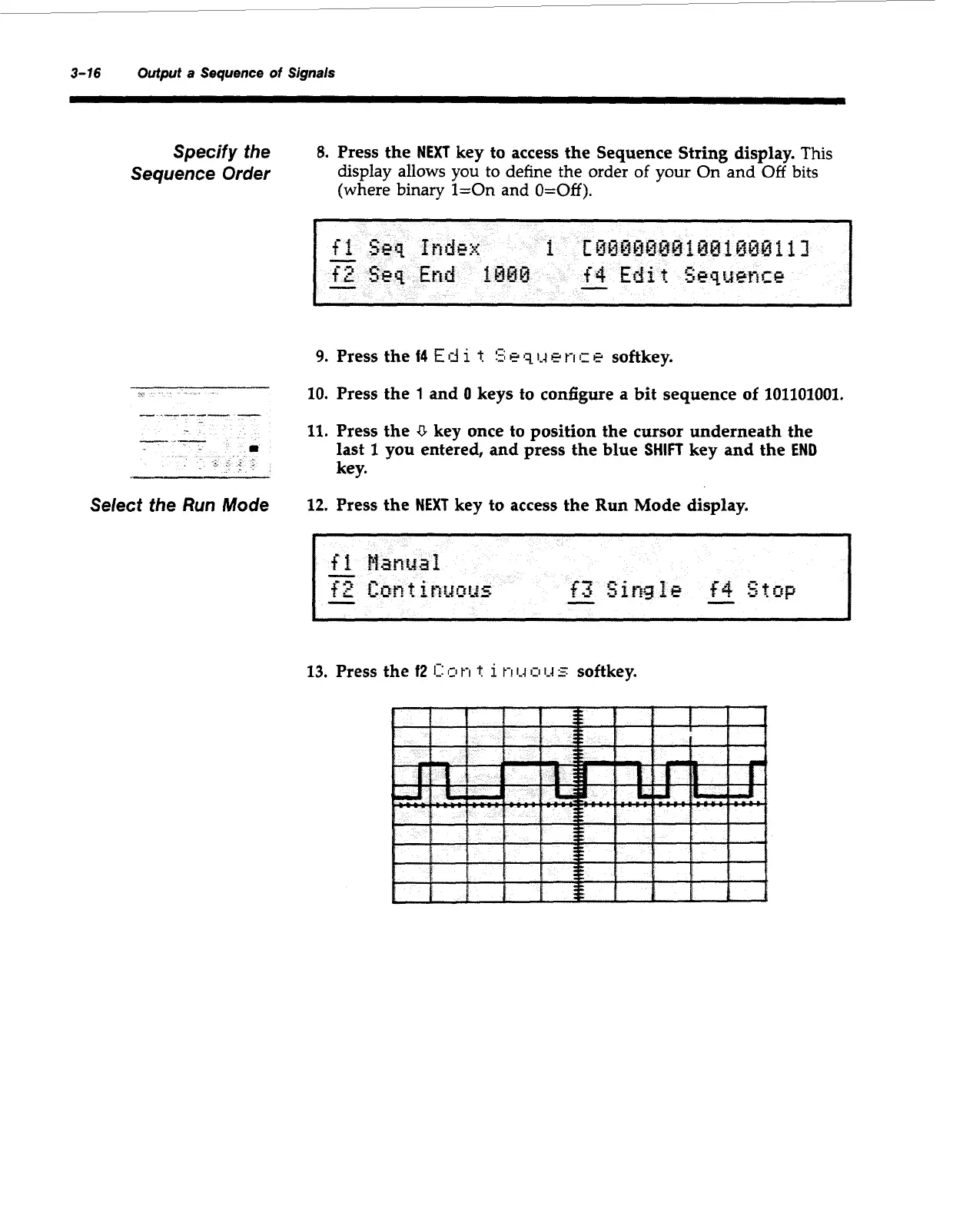
8.
Press the
NEXT
key to access the Sequence String display.
This
display allows you to define the order
of
your On
and
Off
bits
(where
binary
1=0n and
O=Off).
9.
Press
10.
Press
11.
Press
last
1
--
kev.
--ir
Select the
Run
Mode
12.
Press
the
14
E
d
i
t
5
q
1-4
e
t-1
c
e
softkey.
the
1
and
0
keys to configure a bit sequence
of
101101001.
the
U
key once to position the cursor underneath the
you entered, and press the blue
SHIFT
key and the
END
the
NEXT
key to access the
Run
Mode display.
Artisan Technology Group - Quality Instrumentation ... Guaranteed | (888) 88-SOURCE | www.artisantg.com



 To Next Page