HP
8904A
Option
007
Enhancements
3c-7
FM
Stereo
Composite
Generator
General Description
The
FM
Stereo Composite Generator function transforms the
HP
8904A
into a dedicated FM stereo encoder allowing you to test
commercial FM broadcast stereo receivers. All of the associated
parameters are adjustable to offer the widest possible range of testing.
To
enable the
FM
Stereo mode from the Main Selection Level, press
the
NEXT
key
until
fl
FM
Stereo
is
displayed. Press the
fl
key to
access the first IevelTM Stereo Composite Generator menu. Use the
NEXT
and
LAST
keys to access the other FM Stereo menus.
Detailed Operation
You
can return the instrument to the Main Selection Level at any time
by pressing the
SHIFT,
MAIN
keys.
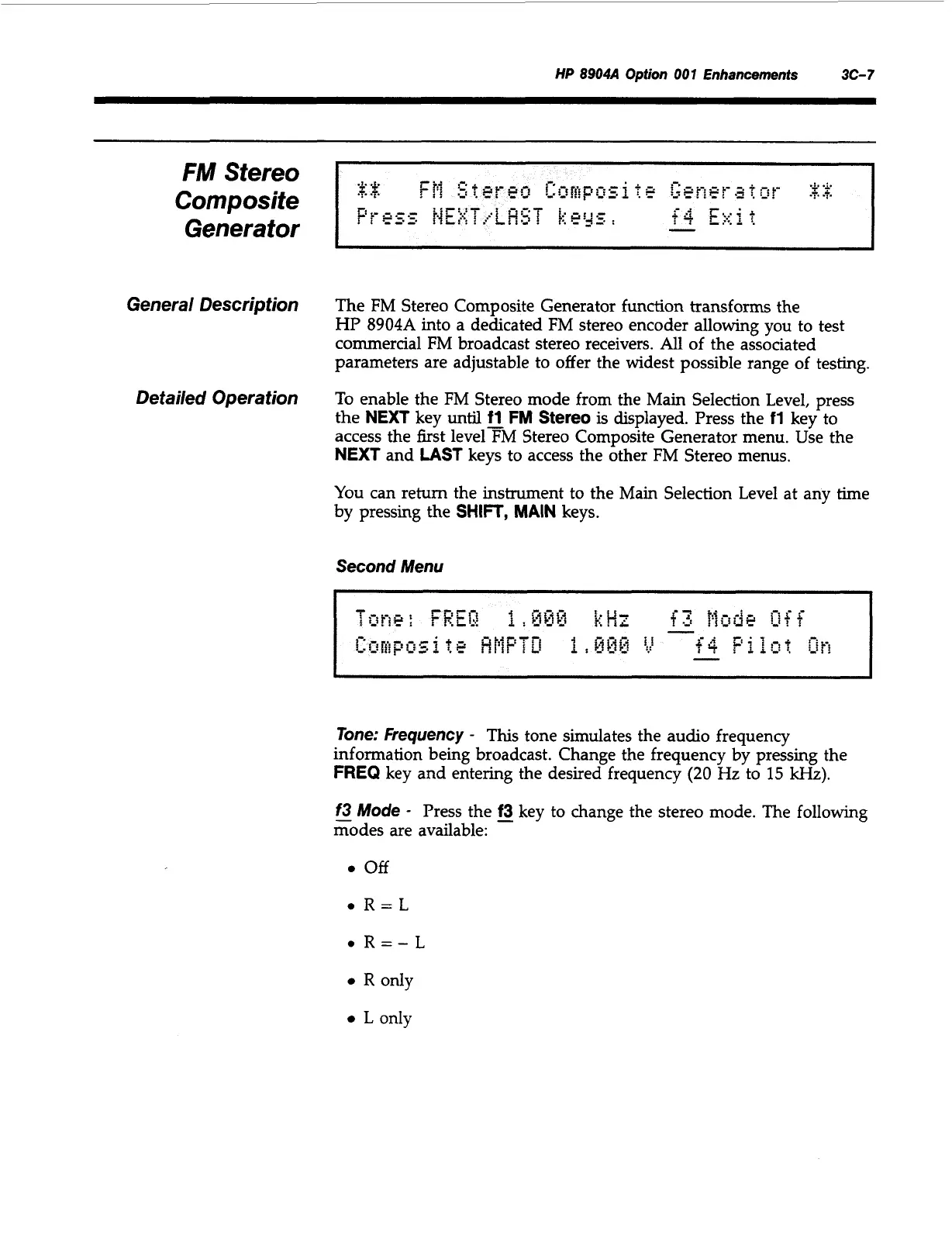
Second Menu
Tone: Frequency
-
This
tone simulates the audio frequency
information being broadcast. Change the frequency by pressing the
FREQ
key and entering the desired frequency
(20
Hz
to
15
kHz).
f3
Mode
-
Press the
-
f3
key to change the stereo mode. The following
modes are available:
off
R
only
L
only
Artisan Technology Group - Quality Instrumentation ... Guaranteed | (888) 88-SOURCE | www.artisantg.com



 To Next Page