3C-8
HP
8904A
Option
001
Enhancements
Composite Amplitude
-
Change the composite amplitude by pressing
the
AMPTD
key and entering the desired amplitude
(0
to
10
V
(p-p)
into
50n).
-
f4
Pilot
-
Press the
-
f4
key
to
enable or disable the stereo pilot signal.
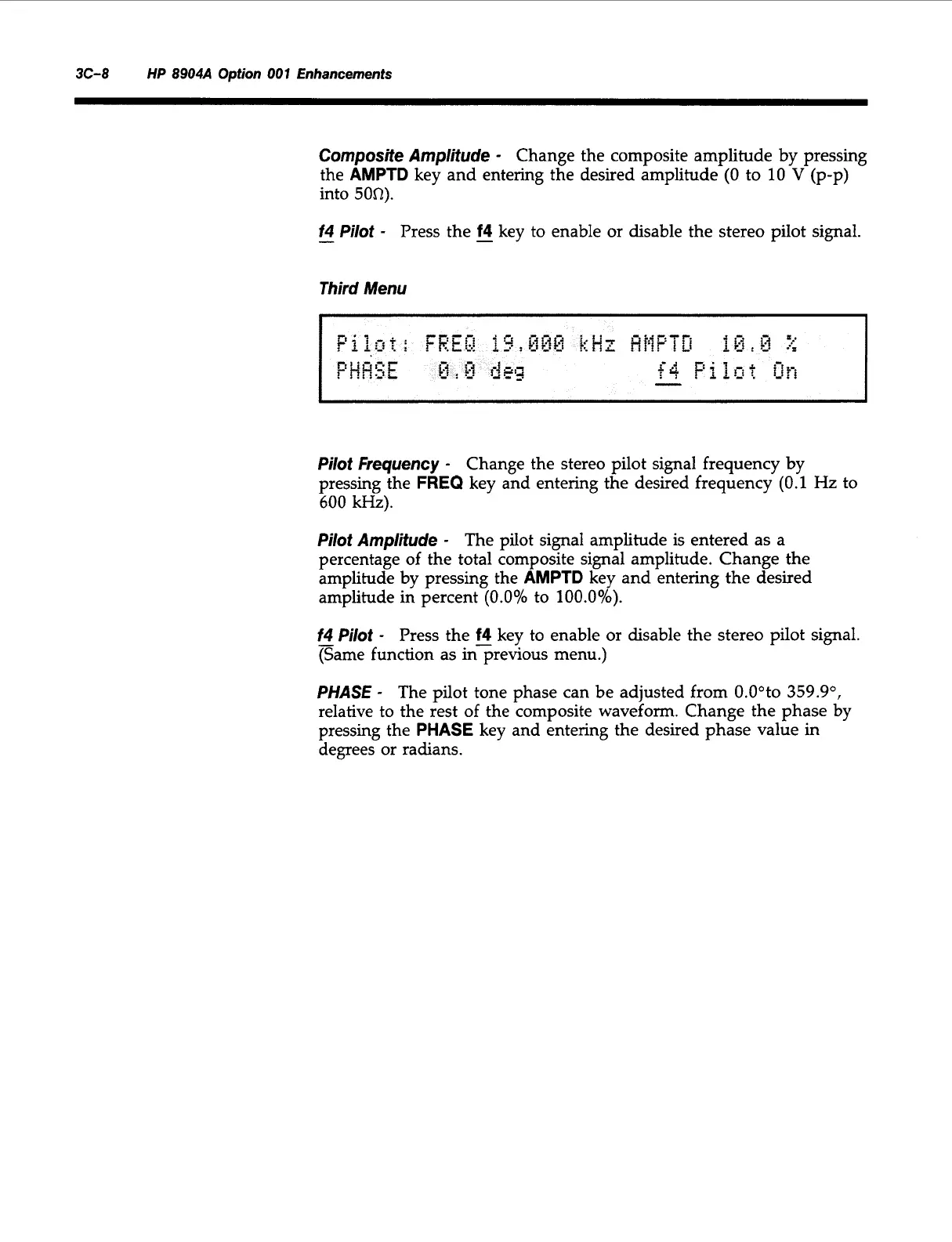
Third Menu
Pilot Frequency
-
Change the stereo pilot signal frequency by
pressing the
FREQ
key and entering the desired frequency
(0.1
Hz to
600
kHz).
Pilot
Amplitude
-
The pilot signal amplitude is entered as a
percentage of the total composite signal amplitude. Change the
amplitude by pressing the
AMPTD
key and entering the desired
amplitude in percent
(0.0%
to
100.0%).
f4
-
Pilot
-
Press the
f4
key to enable or disable the stereo pilot signal.
(Same function as inprevious menu.)
PHASE
-
The pilot tone phase can be adjusted from O.Ooto
359.9",
relative to the rest of the composite waveform. Change the phase by
pressing the
PHASE
key and entering the desired phase value in
degrees or radians.
Artisan Technology Group - Quality Instrumentation ... Guaranteed | (888) 88-SOURCE | www.artisantg.com



 To Next Page