HP
8904A
Option
007
Enhancements
3c-9
hurth
Menu
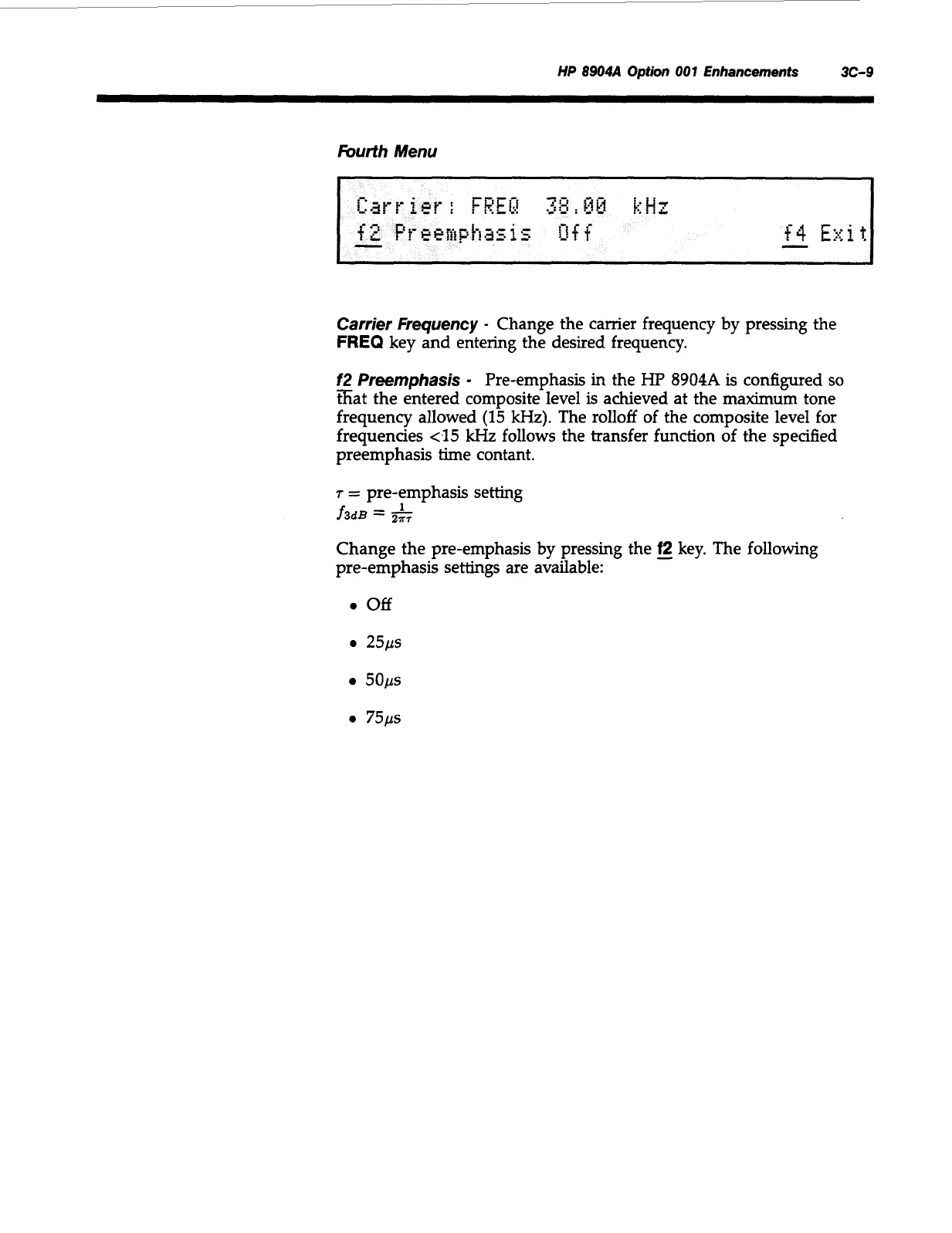
Carrier Frequency
-
Change the camer frequency by pressing the
FREQ
key and entering the desired frequency.
f2
Preemphasis
-
Pre-emphasis in the
Hp
8904A
is
configured
so
sat the entered composite level is achieved at the maximum tone
frequency allowed
(15
kHz). The rolloff of the composite level for
frequencies
<15
kHz follows the transfer function of the specified
preemphasis time contant.
7
=
pre-emphasis setting
1
f3dB
=
2;;;
Change the pre-emphasis by pressing the
-
f2
key. The following
pre-emphasis settings are available:
0
off
a
25ps
5Ops
0
75ps
Artisan Technology Group - Quality Instrumentation ... Guaranteed | (888) 88-SOURCE | www.artisantg.com



 To Next Page