4-6
Output
Two
Signals
at
Once
A
out
1 1
kHz
2.5V
0.0
deg
Sine
B
out
2
1
kHz
2.5V
0.0
deg
Sine
i
How
to
Set
The following setup examples demonstrate two test appplications that
can be simplified using the Dual Output
Ports.
Up
Some
Applications
Stereo
Phase
Test
Signal
Application:
Used to align stereo audio cassette player (tape deck) heads.
Table
4-7.
Instrument Settings for the Stereo Phase lest Signal.
Comments:
1.
Connect Output
Port
1
to the left input
on
the stereo and
Output Port
2
to the right input.
2.
Connect the stereo’s left and right outputs to the oscilloscope.
3.
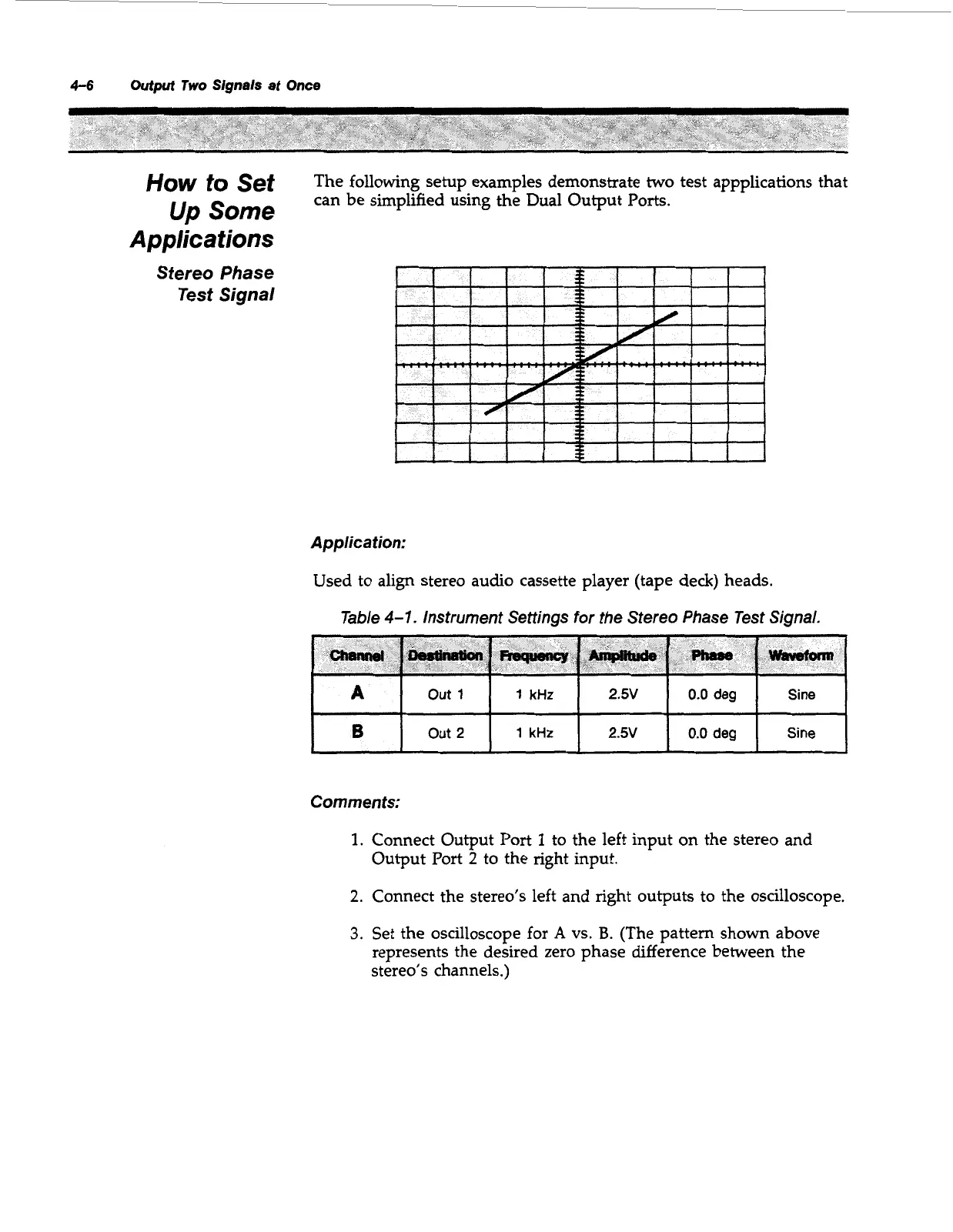
Set the oscilloscope for
A
vs.
B.
(The pattern shown above
represents the desired zero phase difference between the
stereo’s channels.)
Artisan Technology Group - Quality Instrumentation ... Guaranteed | (888) 88-SOURCE | www.artisantg.com



 To Next Page