5-2
Hop
the
Output
Signal
Adjust
Your
Oscilloscope
Display
..........................................
Channel
A
Volts/Division
...........................................
1V
Coupling
................................
dc
(High Impedance)
Time/Division
.......................................
.0.2
ms
Trigger
...........................................
Channel
A
Select
Chassis
Ground
1.
Press the blue
SHIFT
key and the
PRESET
key.
2.
Press the blue
SHIFT
key
and
then the
FLOAT
key.
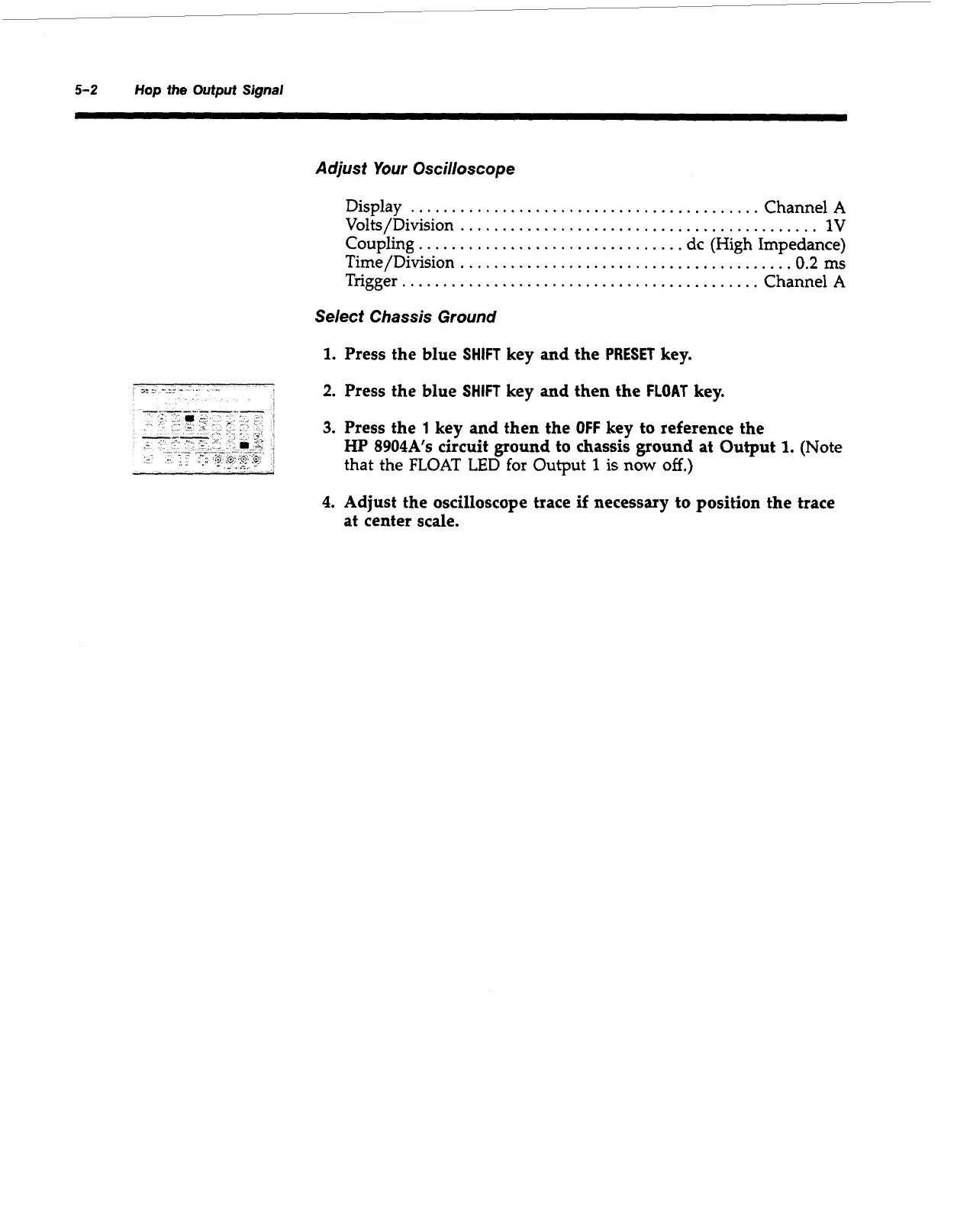
3.
Press the
1
key and then the
OFF
key to reference the
HP
8904A’s circuit ground
to
chassis ground at Output
1.
(Note
that the FLOAT
LED
for Output
1
is
now
off.)
4.
Adjust the oscilloscope trace
if
necessary to position the trace
at
center scale.
Artisan Technology Group - Quality Instrumentation ... Guaranteed | (888) 88-SOURCE | www.artisantg.com



 To Next Page