7-6
M-t
the
HP
8904A
Note
You will find that the back-lighting for the
HP
8904A's display
is designed
to
automatically turn
off
after approximately three
minutes if
no
keys are pressed. The display will light when you
press any key.
Select
Chassis
Ground
1.
Press the blue
SHIFT
key
and
then the
PRESET
key.
0;
I,
_*
.
-I
2.
Press the blue
SHIFT
key
and
then the
FLOAT
key.
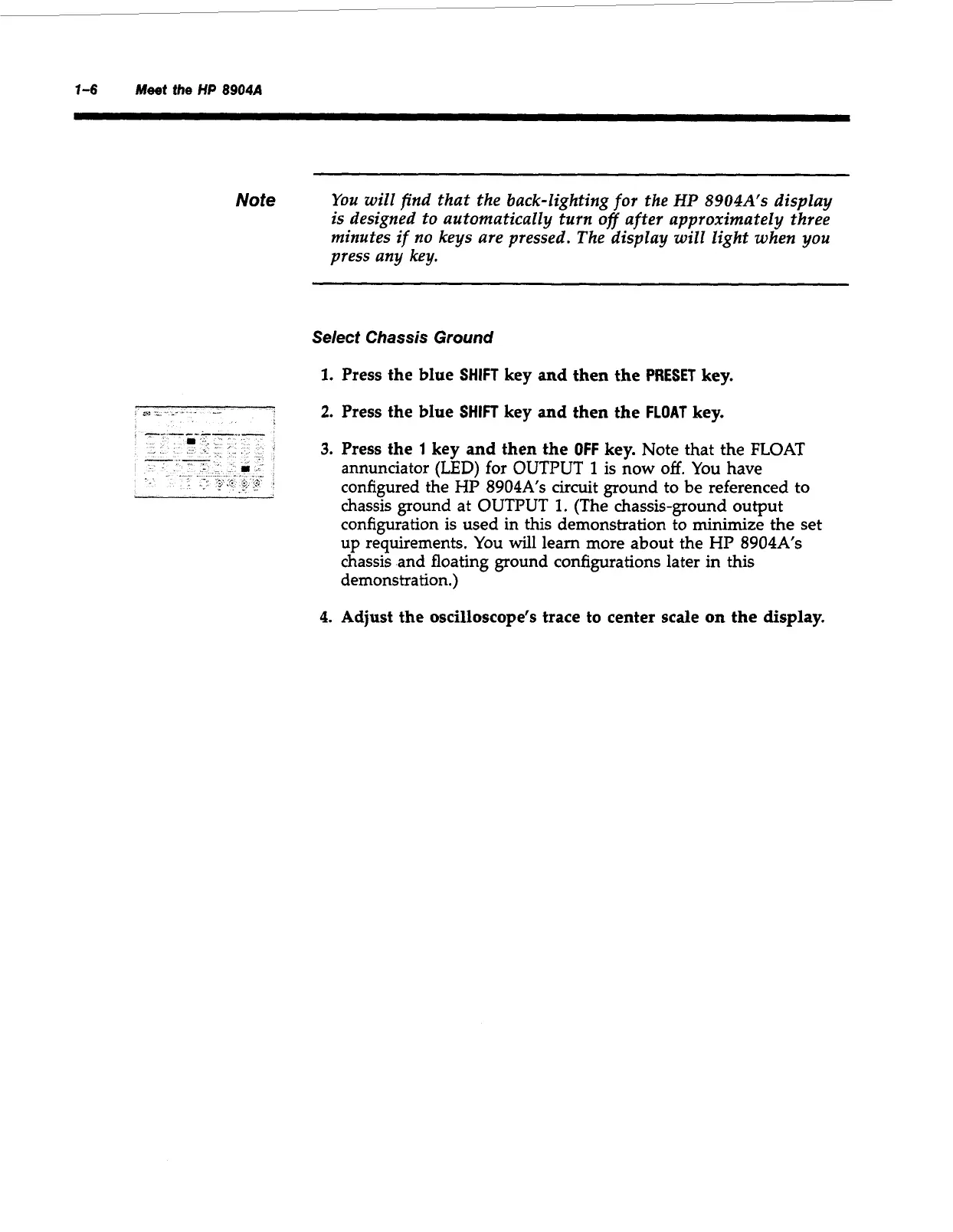
3.
Press the
1
key
and
then the
OFF
key.
Note that the
FLOAT
annunciator
(LED)
for
OUTPUT
1
is
now
off.
You
have
configured the
HP
8904A's
circuit ground to be referenced to
chassis ground at
OUTPUT
1.
(The chassis-ground output
configuration is used in this demonstration to minimize the set
up
requirements.
You
will
learn more about the
HP
8904A's
chassis and floating ground configurations later in this
demonstration.)
4.
Adjust the oscilloscope's trace to center scale
on
the display.
Artisan Technology Group - Quality Instrumentation ... Guaranteed | (888) 88-SOURCE | www.artisantg.com



 To Next Page