1-18
Meet
the
HP
8904A
How
to
Save
and Recall
Your
Settings
Set
Up
a Save Register
I
*-..
-*..
.^’.
.-
I
You
can easily save all
of
the operating settings you have entered,
and recall them whenever you wish.
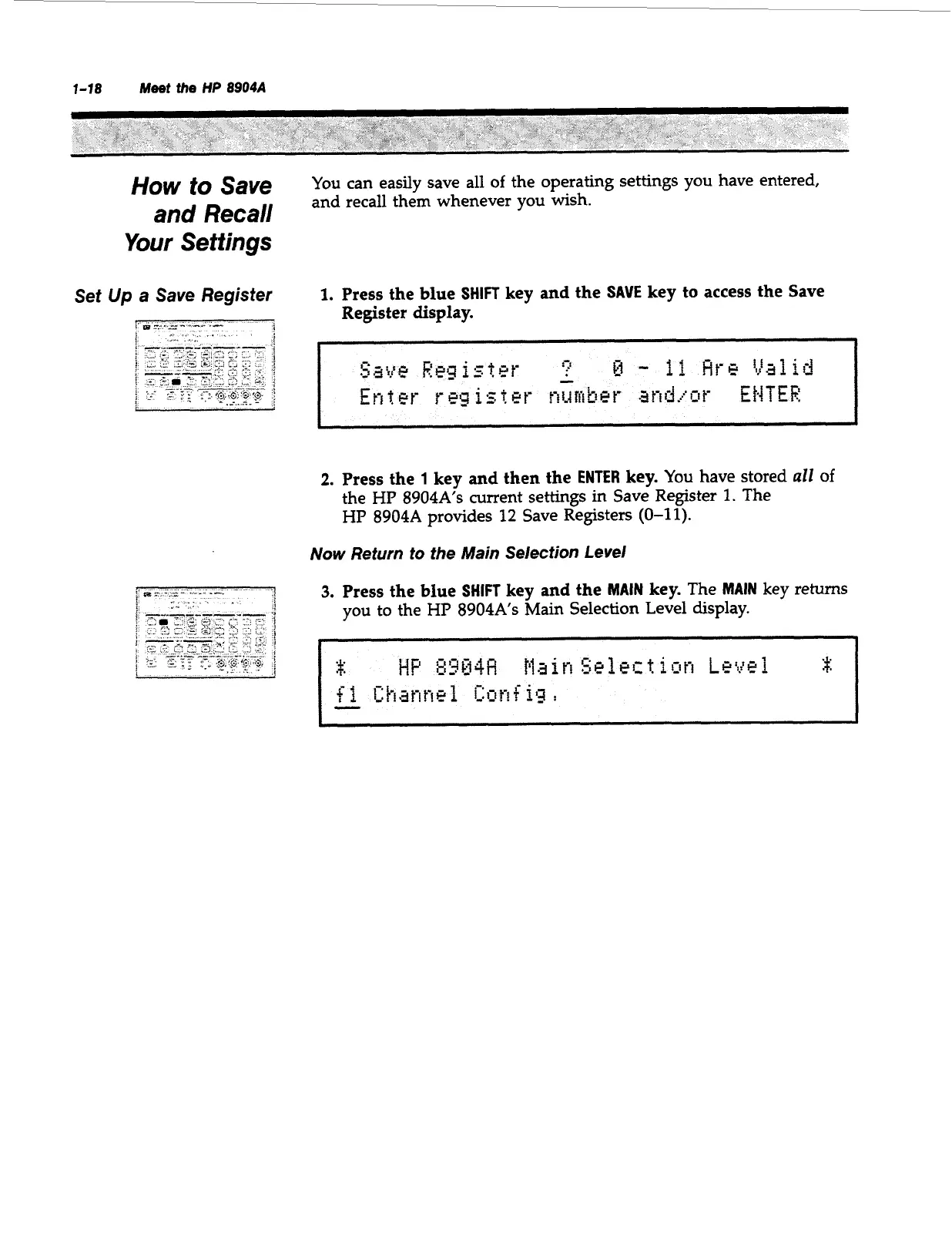
1.
Press the blue
SHIFT
key
and
the
SAVE
key to access the Save
Register display.
2.
Press the
1
key
and
then the
ENTER
key.
You
have stored
all
of
the HP
8904A’s
current settings in Save Register
1.
The
HP
8904A
provides
12
Save Registers
(0-11).
Now
Return to the Main Selection Level
3.
Press the blue
SHIFT
key
and
the
MAIN
key.
The
MAIN
key returns
you to the
HP
8904As
Main Selection Level display.
Artisan Technology Group - Quality Instrumentation ... Guaranteed | (888) 88-SOURCE | www.artisantg.com



 To Next Page