Meet
the
HP
8904A 1-19
4.
Press the
11
1:
1-1
a
t-i
t-i
e
1
1:
o
t-i
f
i
83
softkey to return to the
Channel Configuration Mode.
5.
Press the
NEXT
key to access the Channel
A
Configuration
display.
Note that each of Channel
A's
parameters were reset to
their default settings when you re-entered the Channel
Configuration Mode.
Remember
Whenever the
HP
8904A
exits the Channel Configuration Mode
and then re-enters it
or
any other operating mode, all
parameters are reset to their default settings.
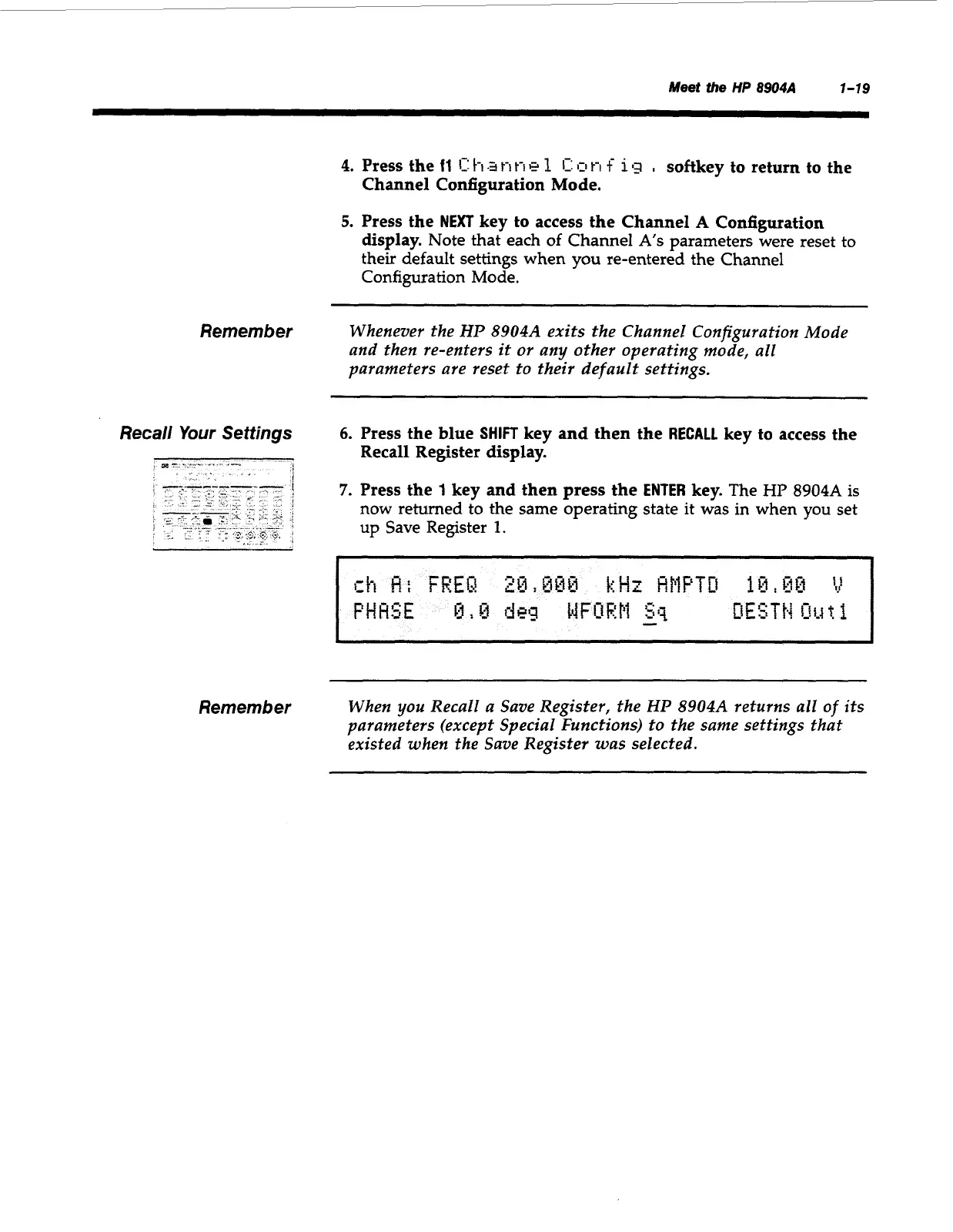
Recall Your Settings
6.
Press the blue
SHIFT
key and then the
RECALL
key to access the
7.
Press the
1
key
and
then press the
ENTER
key.
The
HP
8904A
is
now returned to the same operating state it was in when you set
up Save Register
1.
Recall Register display.
Remember
When you Recall a Save Register, the
HP
8904A
returns all
of
its
parameters (except Special Functions) to the same settings that
existed when the Save Register was selected.
Artisan Technology Group - Quality Instrumentation ... Guaranteed | (888) 88-SOURCE | www.artisantg.com



 To Next Page