1-20
Meet
the
HP
8904A
How
to
Turn
On
the Special
mnctions
Access the
Special Functions
..I-.-___-
".
.
-
Turn On Special
Function
0
The Special Functions permit you to modify the HP
8904A's
operation to best meet your needs. In this demonstration, you will
turn on the Special Function that configures the HP
8904A
to power
up to the state it was in before power was turned
off,
rather than to
the Main Selection Level.
1.
Switch the white
LINE
key
off
for a few seconds and then back
on.
Notice that the HP
8904A
has powered up to the Main
Selection Level.
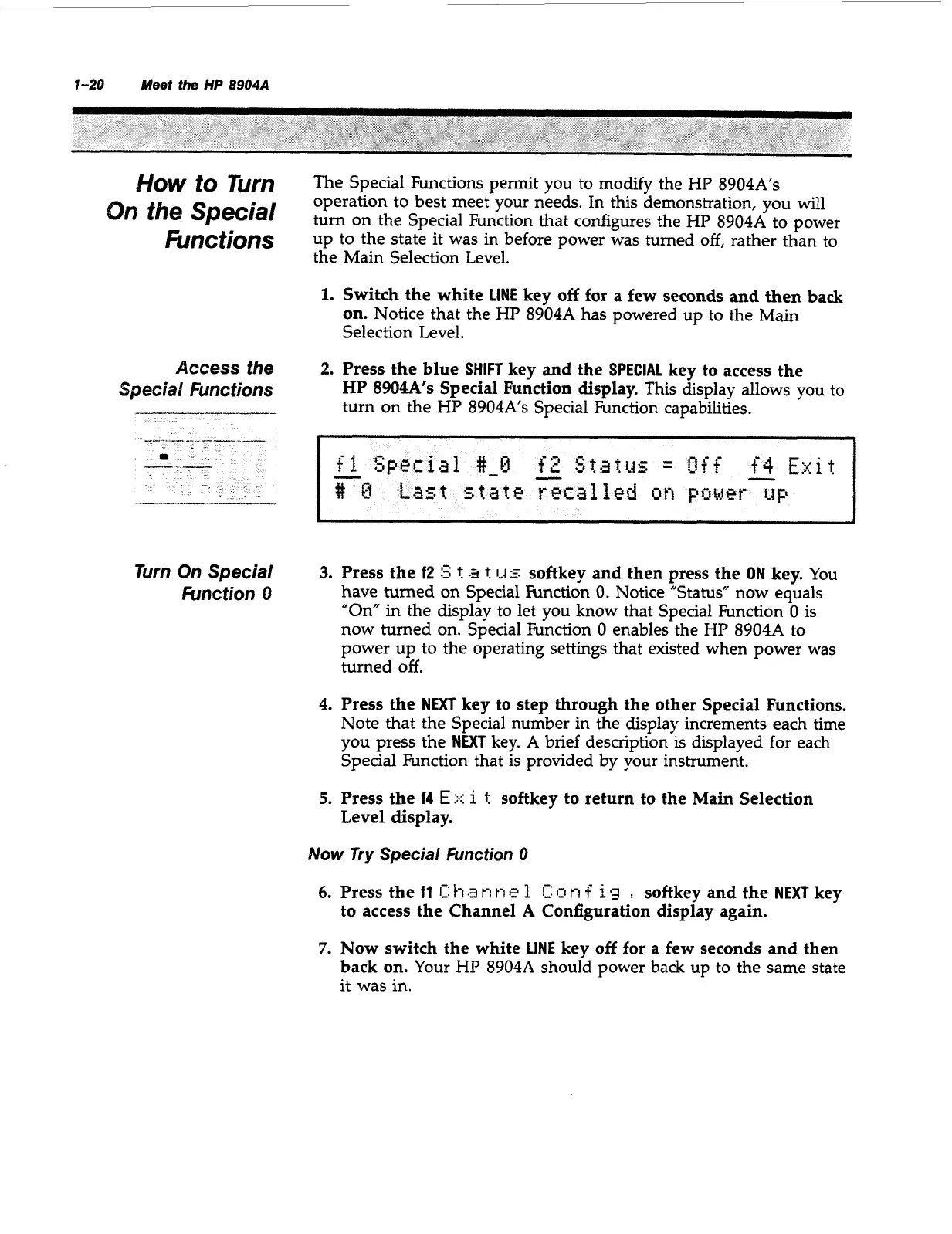
2.
Press the blue
SHIFT
key and the
SPECIAL
key to access the
HP
8904A's
Special Function display.
This display allows you to
turn on the HP
8904A's
Special Function capabilities.
3.
Press the
12
5;
t
a
t
1-45
softkey and then press the
ON
key.
You
have turned
on
Special Function
0.
Notice "Status" now equals
"On" in the display to let you know that Special Function
0
is
now turned on. Special Function
0
enables the HP
8904A
to
power up to the operating settings that existed when power was
turned
off.
4.
Press the
NEXT
key to step through the other Special Functions.
Note that the Special number in the display increments each time
you press the
NEXT
key.
A
brief description is displayed for each
Special Function that is provided by your instrument.
5.
Press the
f4
E::.::
1
t
softkey to return to the Main Selection
Level display.
Now
Try
Special
Function
0
6.
7.
Press the
fl
1:
Pi
t-i
t-i
e
1
C
1-1
t-i
f
1
g
,
softkey and the
NEXT
key
to access the Channel
A
Configuration display again.
Now switch the white
LINE
key
off
for
a
few seconds and then
back on.
Your HP
8904A
should power back up to the same state
it was in.
Artisan Technology Group - Quality Instrumentation ... Guaranteed | (888) 88-SOURCE | www.artisantg.com



 To Next Page