To replace the bottom cover, reverse the removal procedures.
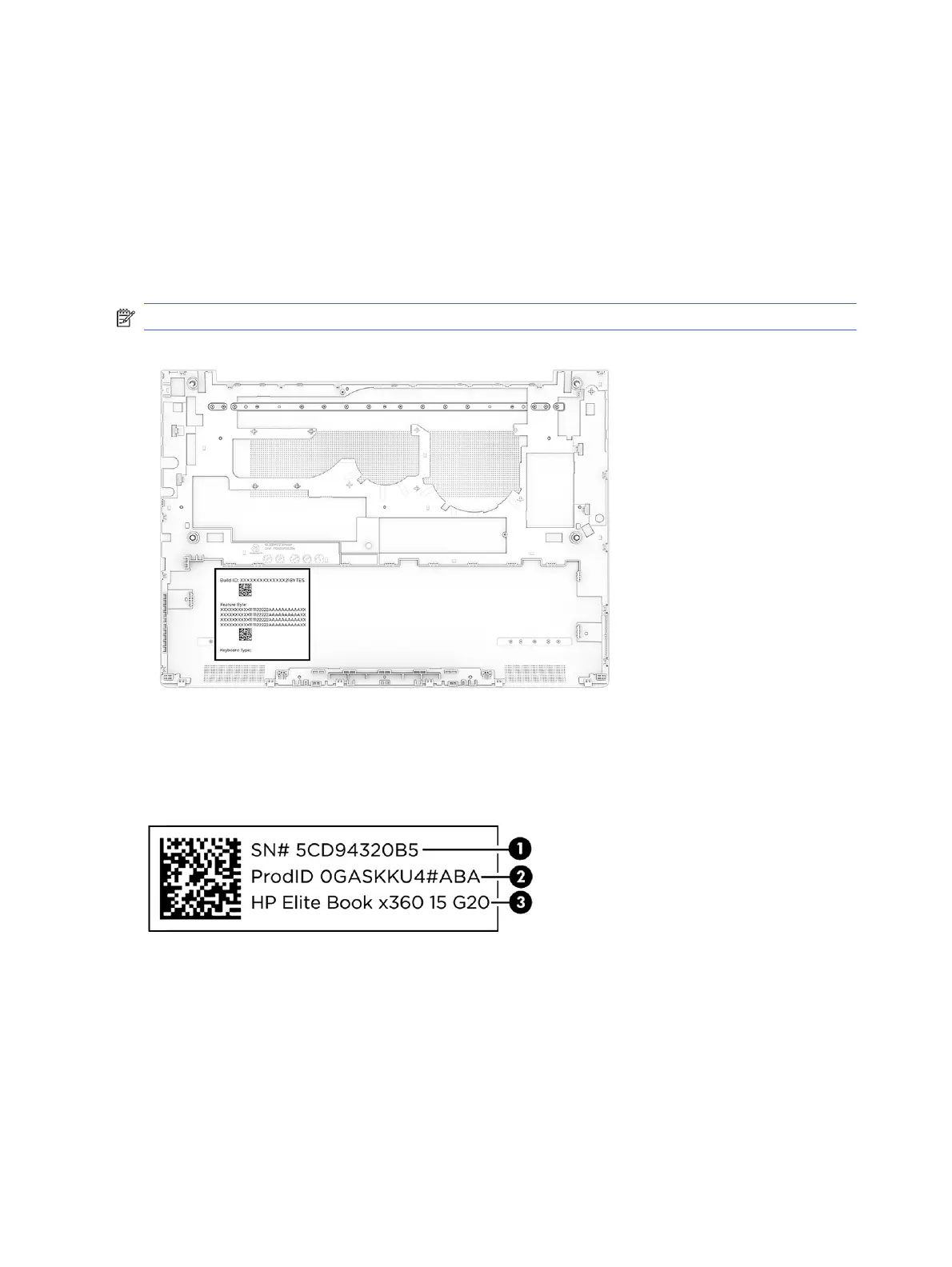
When replacing the bottom cover, remove the Feature Byte label from the inside of the old bottom cover
and place it on the inside of the new bottom cover. Be sure to keep this label with the computer, as the
label is required for any future repairs.
You can locate product labels:
● Laser etched on the old bottom cover.
● In HP System Information by pressing fn + esc when you turn on the computer.
NOTE: Bottom cover appearance might vary.
Hand write the product information onto the label of the new bottom cover. Use a ballpoint pen or marker
to avoid smudging.
Example of label information
New bottom cover label location
40
Chapter 6 Removal and replacement procedures for Customer Self-Repair parts



 To Next Page