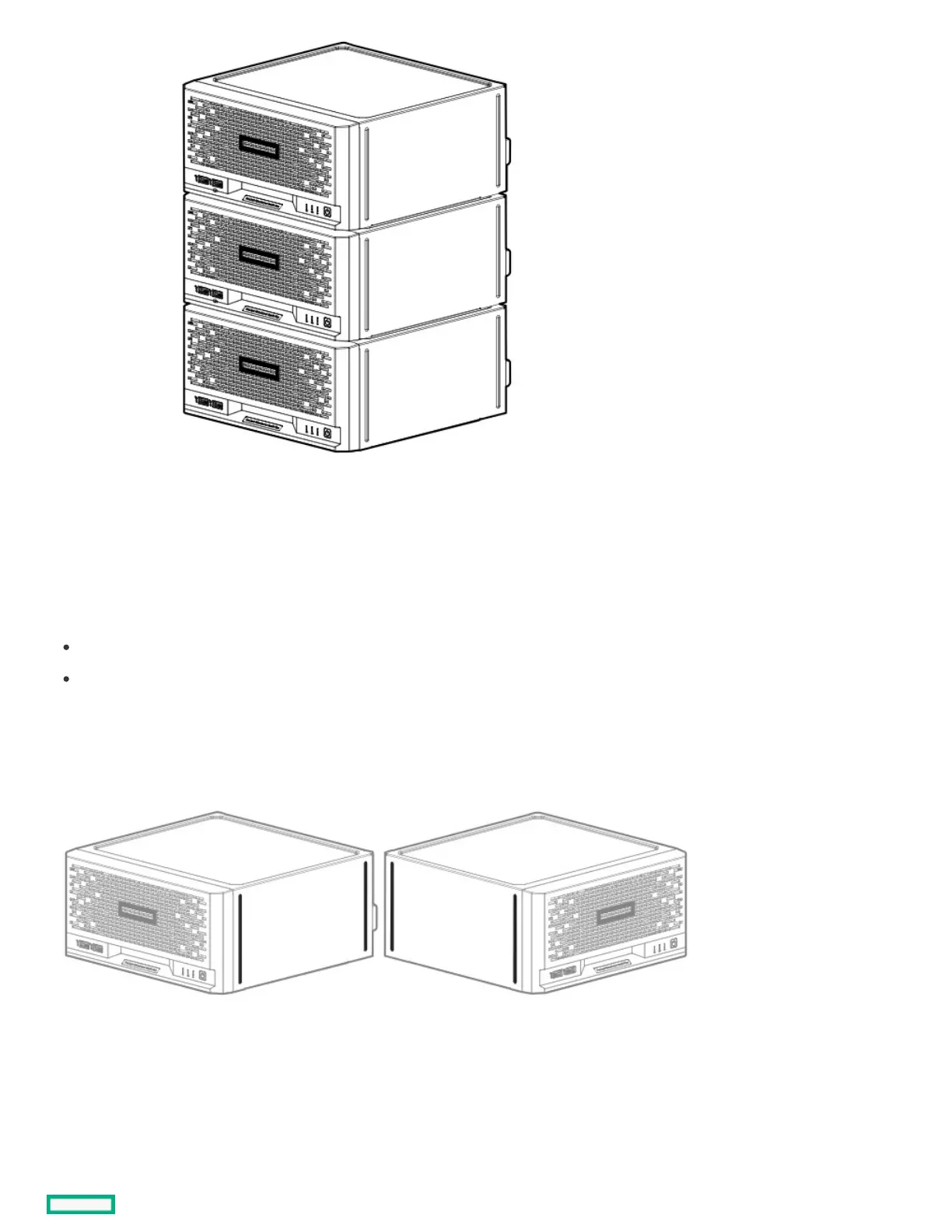
Position the server in a vertical orientationPosition the server in a vertical orientation
PrerequisitesPrerequisites
Before you perform this procedure, make sure that you have the following items available:
Isopropyl alcohol wipe
Antislip rubber strips
About this taskAbout this task
The server can be oriented vertically for a smaller footprint setup. There are two pairs of divots on both sides of the server for attaching the
antislip rubber strips. Two antislip rubber strips are shipped with the server.
ProcedureProcedure
1. Use an isopropyl alcohol wipe to clean the divots on the side of the server. Allow the alcohol to evaporate before continuing.
2. Peel off the protective liner from the rubber strips.
3. Attach the strips onto the divots. To ensure proper adhesion, press along the entire strip.















 To Next Page