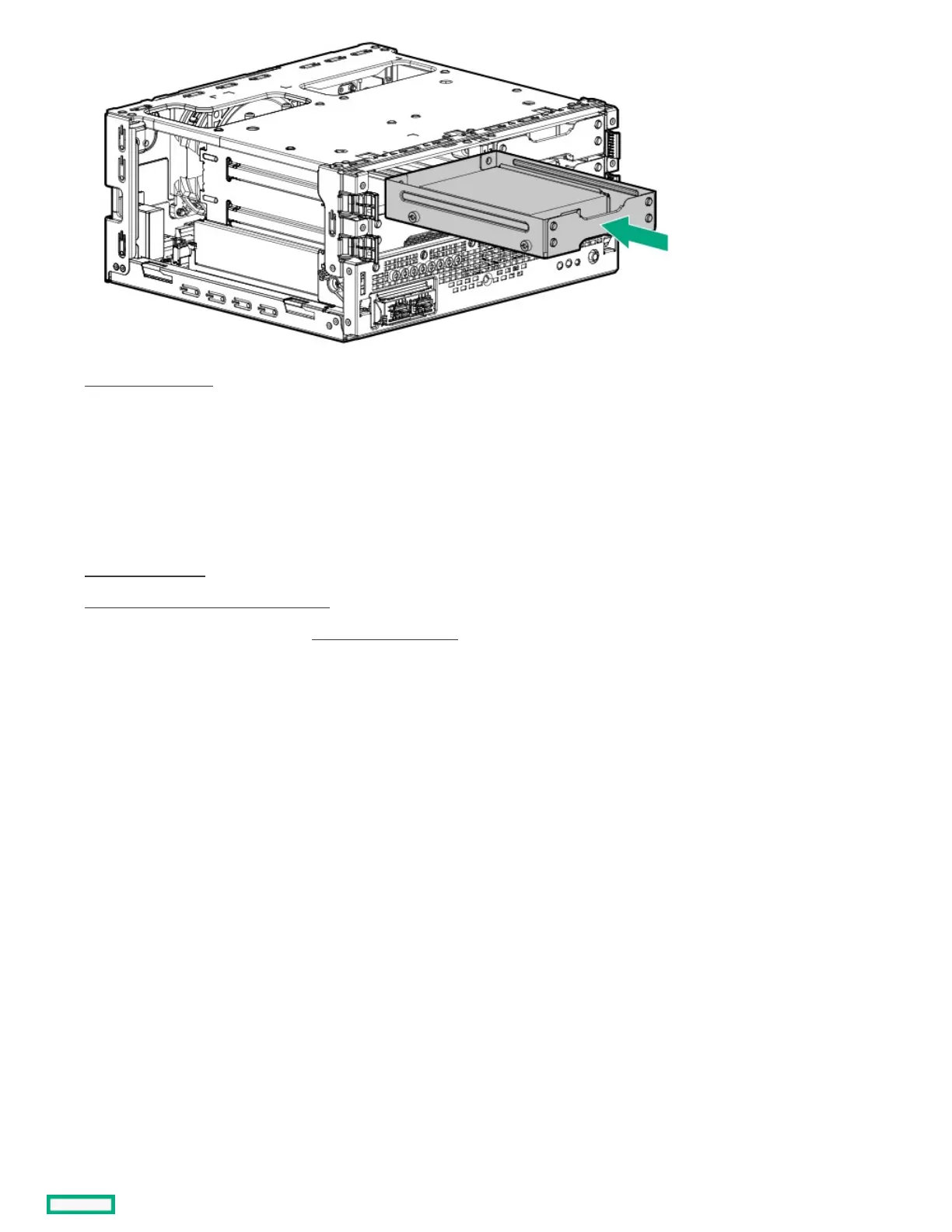
14. Install the front bezel .
15. If removed, install the security padlock and/or the Kensington security lock.
For more information, see the lock documentation.
16. Connect all peripheral cables to the server.
17. Connect the power adapter to the server, and then secure the power adapter cord in the power cord clamp.
18. Connect the power cord to the AC source.
19. Power up the server .
20. Determine the status of the server drives .
21. To configure the drive arrays, see the relevant controller guide.
ResultsResults
The installation is complete.
Memory optionMemory option
The server has two DIMM slots supporting PC4-3200AA-E DDR4 UDIMM with ECC. Non-ECC UDIMM is not supported .















 To Next Page