1. Power down the server.
2. Disconnect the power cord from the AC source.
3. Remove the power adapter cord from the power cord clamp, and then disconnect the power adapter from the server.
4. Disconnect all peripheral cables from the server.
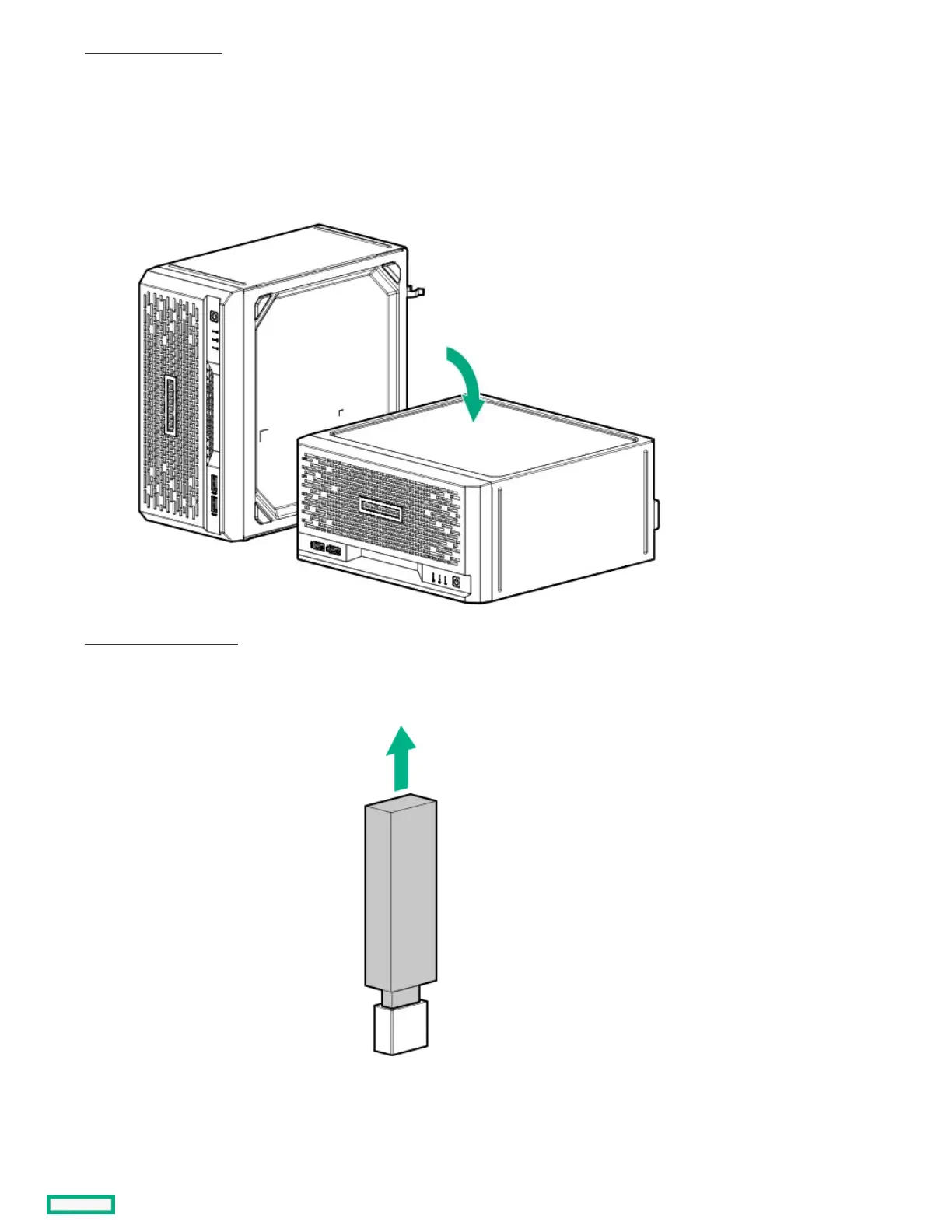
5. If the server is in a vertical orientation, position the server in a horizontal orientation.
6. Remove the chassis cover .
7. If a tall internal USB device is installed, remove the device.
8. Remove the system board tray screws.















 To Next Page