6. Remove the chassis cover .
7. Remove the system board assembly .
8. Locate the battery on the system board .
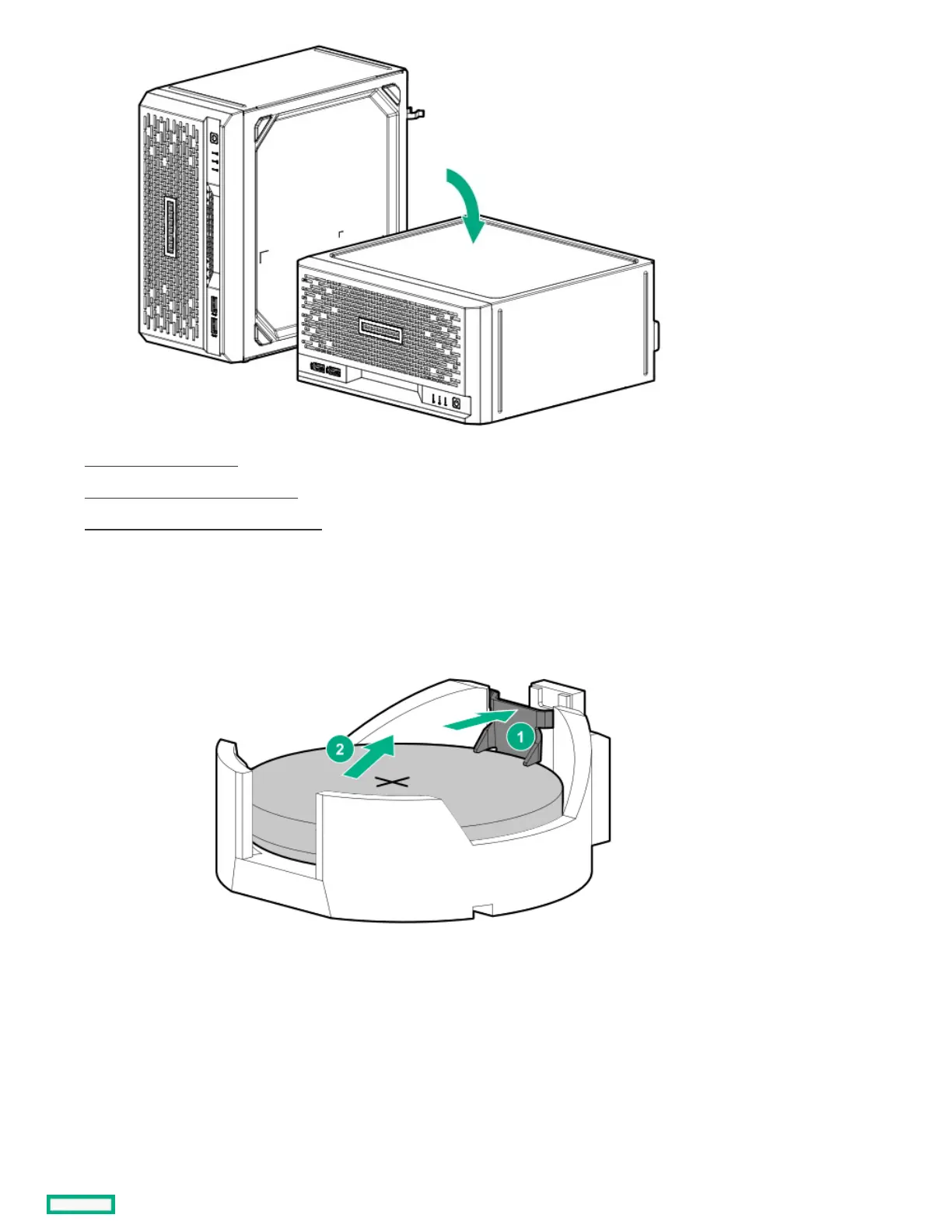
9. Remove the system battery:
a. Use a small flat-bladed, nonconductive tool to press the battery latch (callout 1).
b. Remove the system battery from the socket (callout 2).
10. Install the system battery:
a. With the side of the battery showing the "+" sign facing up, insert the battery into the socket (callout 1).
b. Press the system battery down until it clicks into place (callout 2).















 To Next Page