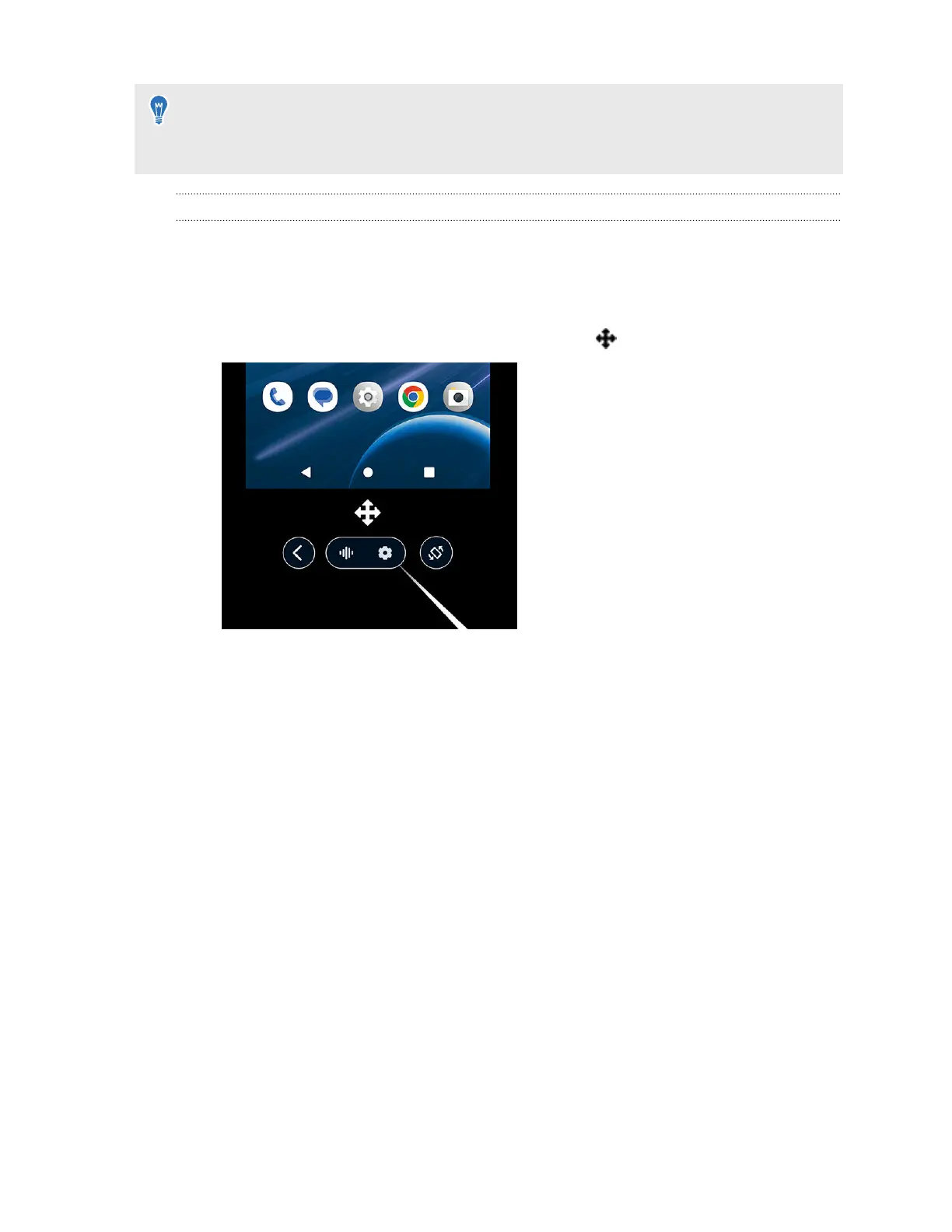
§ If you don't see the toolbar, aim the beam toward the phone screen to make it appear.
§ When viewing videos, make sure your phone's audio volume is not muted.
Moving and resizing the phone screen
You can move and resize a mirrored phone screen in VR. You can also change the screen back to
the default screen size and position. Here's how:
Moving the phone screen
1. Aim below the phone screen to make the move pointer
appear.
2. Pinch your thumb and index finger together or press the trigger on the controller to grab
the screen, and then drag it to a new position.
60 Sharing and streaming content



 To Next Page