Basics
Hand tracking
The hand tracking feature allows you to use your hands as controllers with VIVE Focus Vision.
§ Hand tracking can work in both VR and MR spaces. You can only use hand gestures in apps
that support hand tracking.
§ Developers can use the VIVE Wave SDK to add hand tracking support to VR and MR apps.
1. Go to Settings Inputs and enable Hand Tracking.
2. Place the controllers on a level surface and position your hands in front of the headset. A
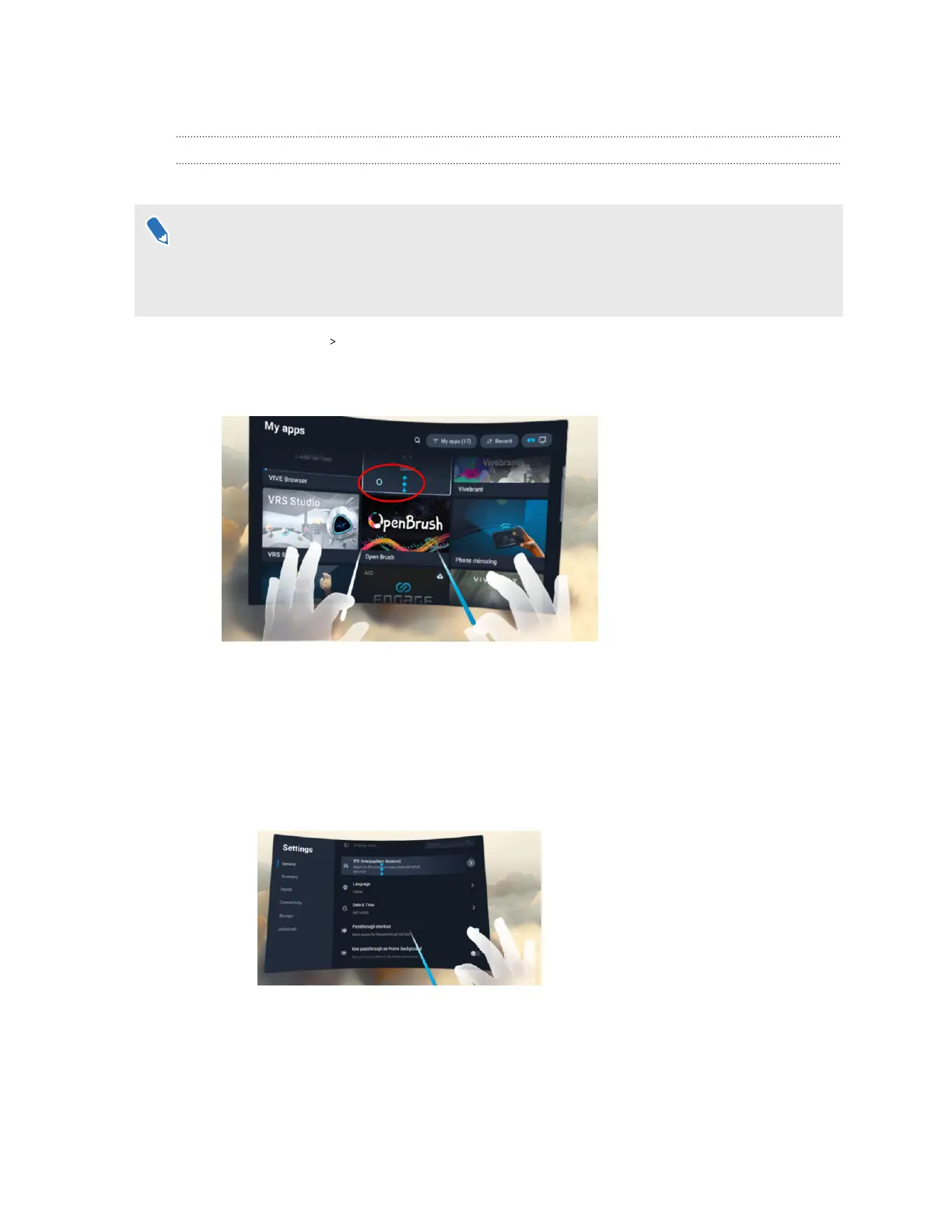
3D likeness of your hands and two corresponding cursors will appear in front of you.
3. You can use the following hand gestures:
§ Pinch to select
With your palm facing outward, move your hand to position the cursor, and then
pinch your thumb and index finger together to select.
§ Pinch and drag to scroll
With your palm facing outward, pinch and drag to scroll pages or move sliders.
§ Pinch with your right hand to open the VIVE Menu
With your right palm facing inward, pinch your thumb and index finger together to
open the VIVE Menu. Use the same gesture to close the menu.
30 Getting started



 To Next Page